Environment Settings
All the environment settings are managed from the Environment Settings section, which is located in the Settings section. It is recommended to make the changes in this screen and not in the .ini files. Changes made to local settings will override the centralized ones.
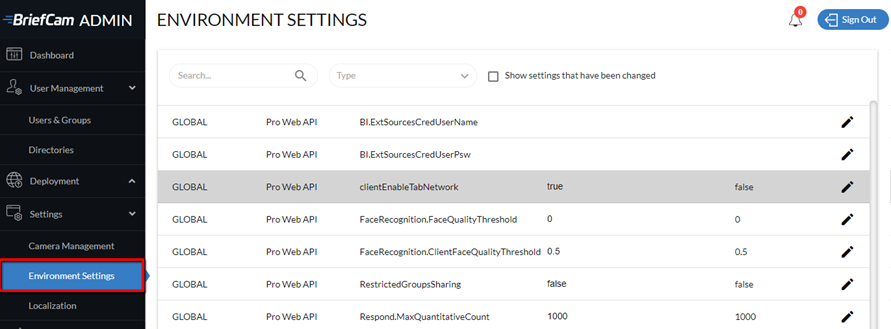
Rows highlighted in grey are settings that have been changed. To see only these rows, click the Show settings that have been changed checkbox.
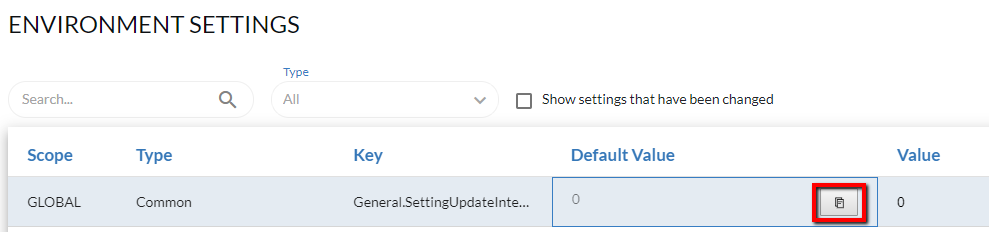
You can copy a value by hovering over a default value or value and clicking the copy icon ( ).
).
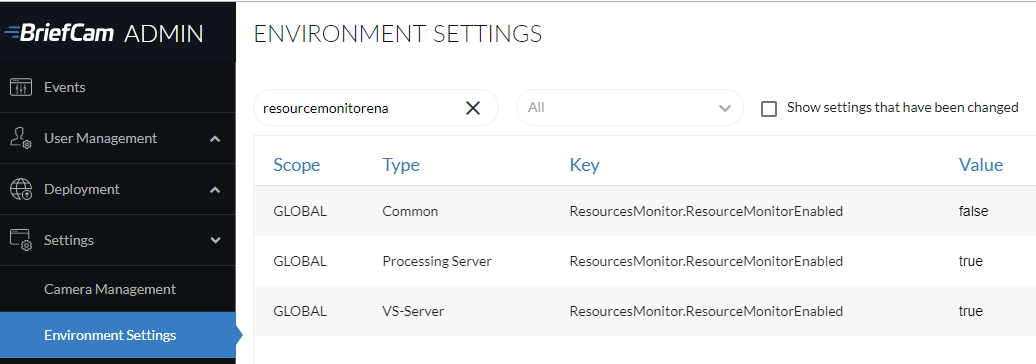
There are some environment settings that appear more than once (as shown in the image below). The setting that is from a more specific type (such as Processing Server or VS-Server) overrides the more general setting (the Common type).
Note
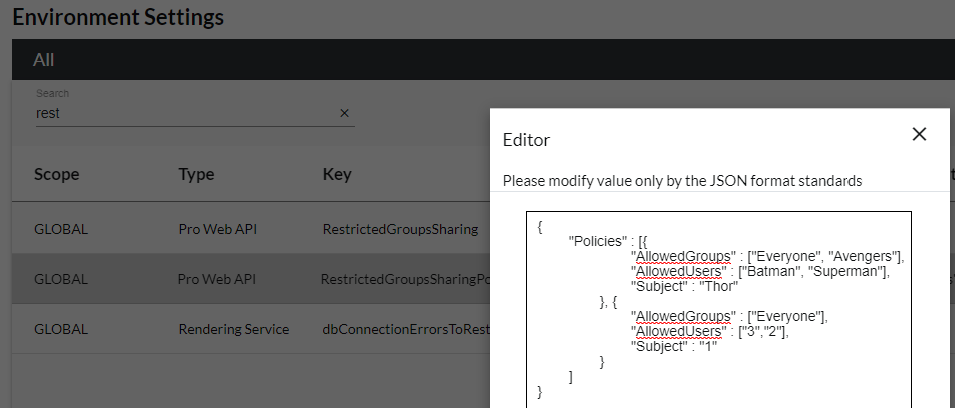
JSON structures, such as the RestrictedGroupsSharingPolicies setting shown in the image below, can be edited directly in the environment settings by clicking the edit  icon.
icon.