Manual
Use the Manual option if you want to add specific devices by hostname.
Select Manual (Onboard Axis Cloud device(s) by their hostname)
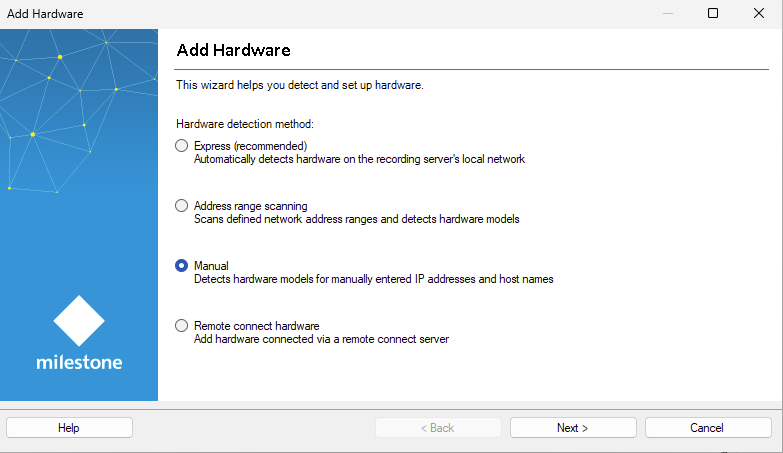
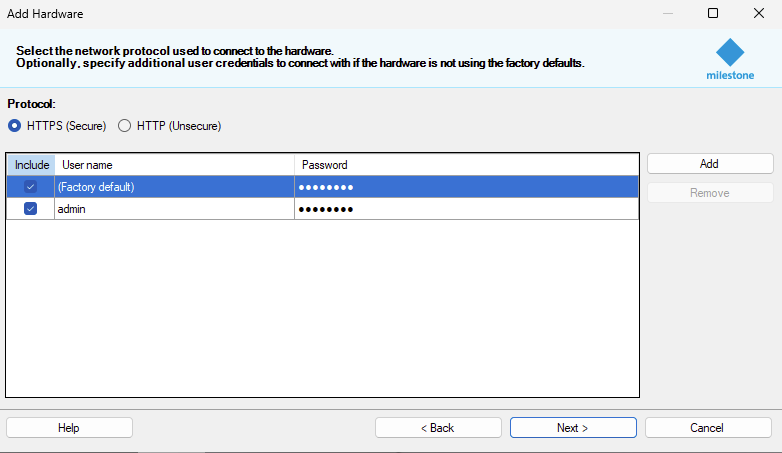
Add a username and password if needed and click .
At this step, XProtect prompts for credentials as part of the standard Add Hardware workflow.
Note
These credentials are not used for device communication. Axis Cloud Access authenticates to devices using your Axis Cloud authorization.
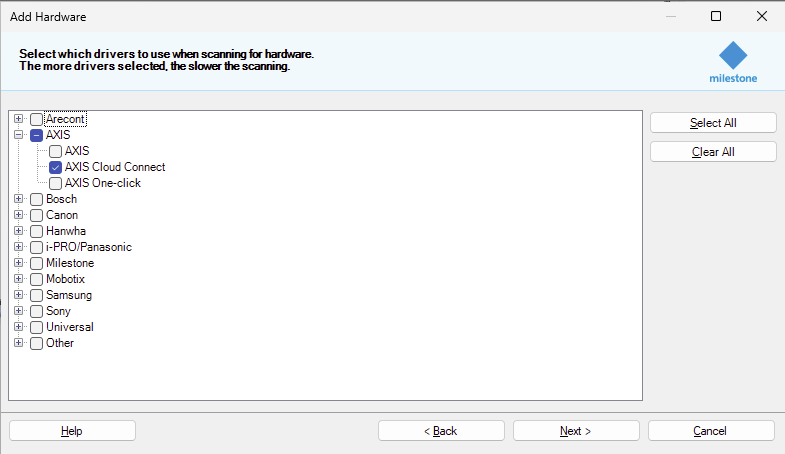
Select the AXIS Cloud Connect driver and click .
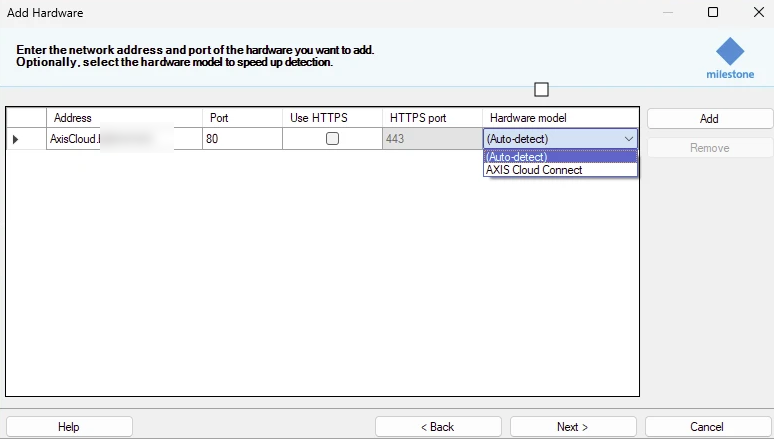
In the Address field, add the hostname of the device.
From the Hardware model field, select Axis Cloud Connect.
Complete the wizard
After completion, the devices appear in XProtect Recording Servers and are ready for use.