Configuring segments within OnGuard
Important
The following process shows where the information about existing segments is found within an OnGuard system. Please consult with your representative before adding segments to an operational OnGuard system.
Go to the Segments sub-menu in the Administration menu of the OnGuard application.
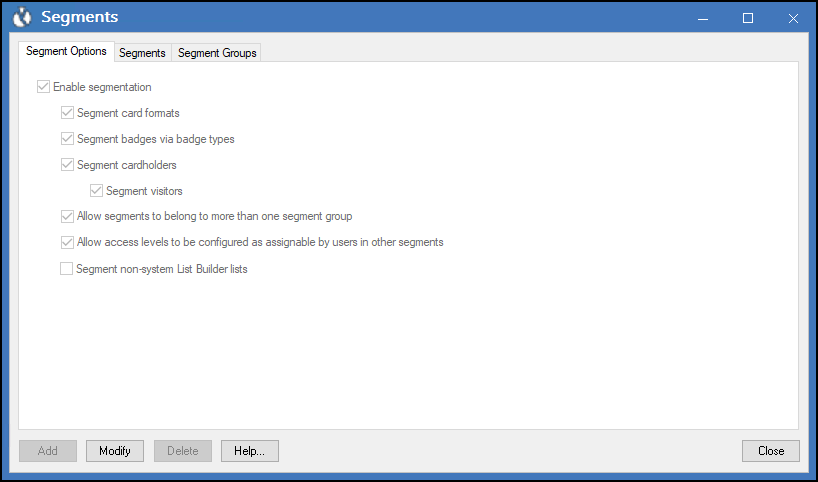
The Segment Options tab contains options to enable segmentation.
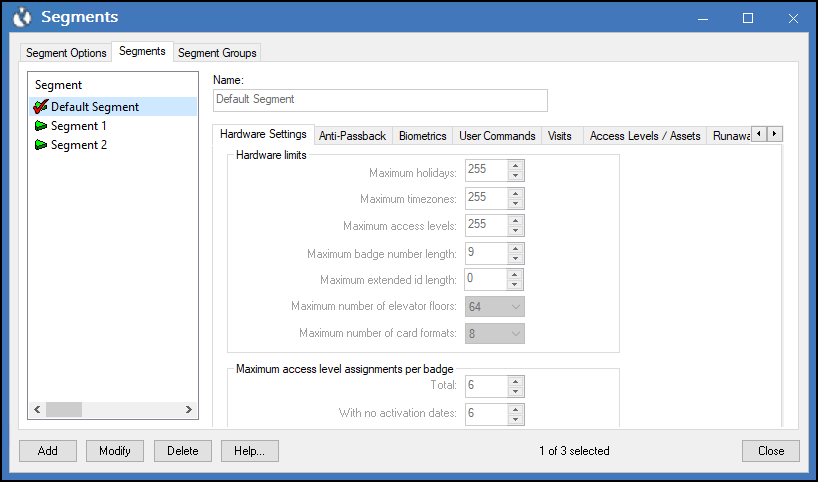
The Segments tab contains the segments configured within OnGuard.