Managing the Axis Cloud Access Windows Service
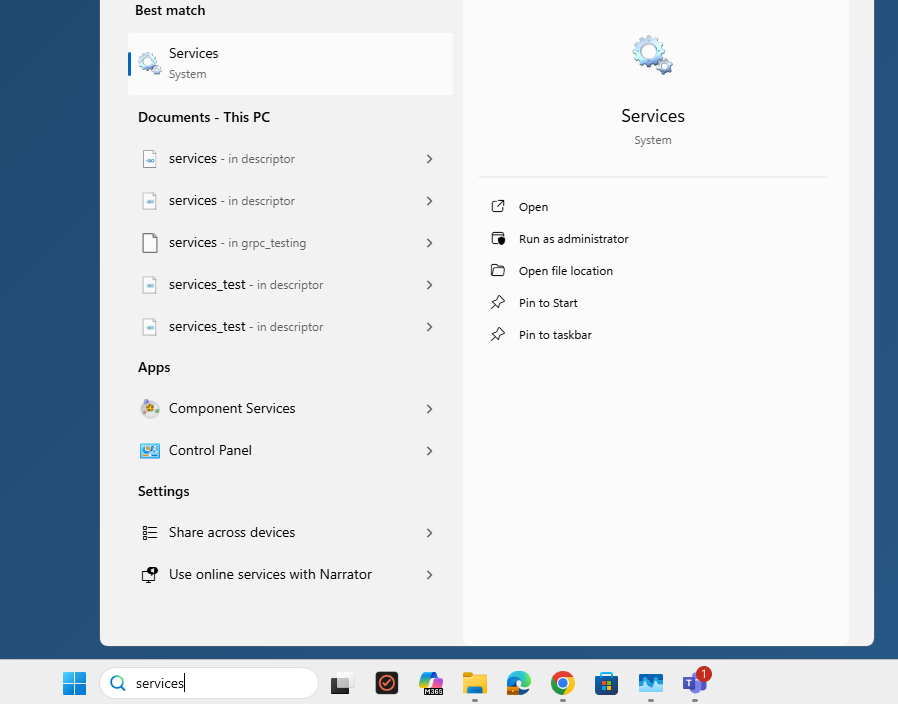
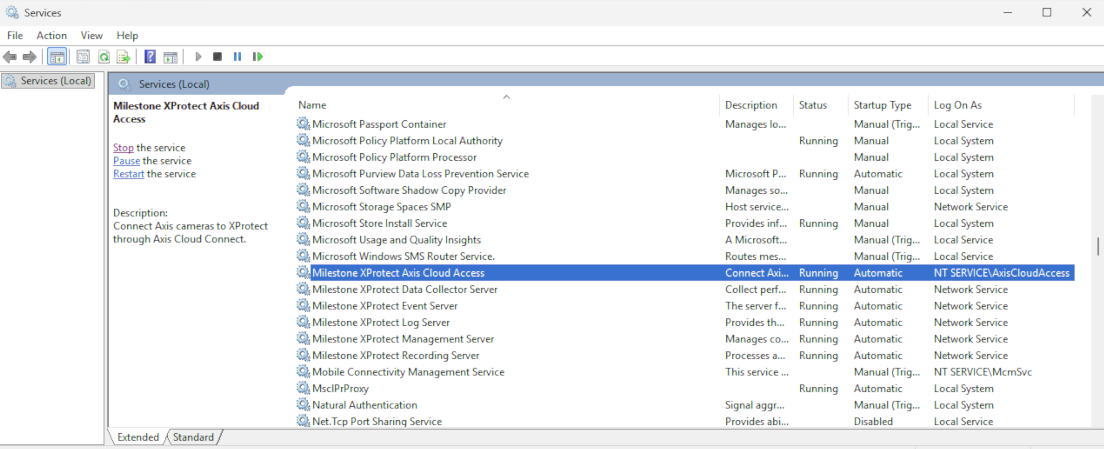
Milestone XProtect Axis Cloud Access is installed as a Windows Service. You can start, restart, and stop the service. To do that in the search bar of Windows, type services.
 |
By default, the product services run under the NT Service\AxisCloudAccess account.
This account has restricted local permissions and uses the computer account for accessing network resources, helping to maintain a secure operating environment.
If the service does not function correctly, try to stop, start, or restart it from here. If this does not resolve the issue, please contact Milestone Support.
 |