How to interpret the metadata indicators
If you see only the three blue cube icons, metadata is configured, but no metadata is currently flowing.
When metadata is being received, the numeric indicators above the blue cubes appear and animate (the numbers show and disappear repeatedly).
This animation indicates active metadata flow.
Note
Metadata does not appear as video. Its presence is confirmed by the animated indicators.
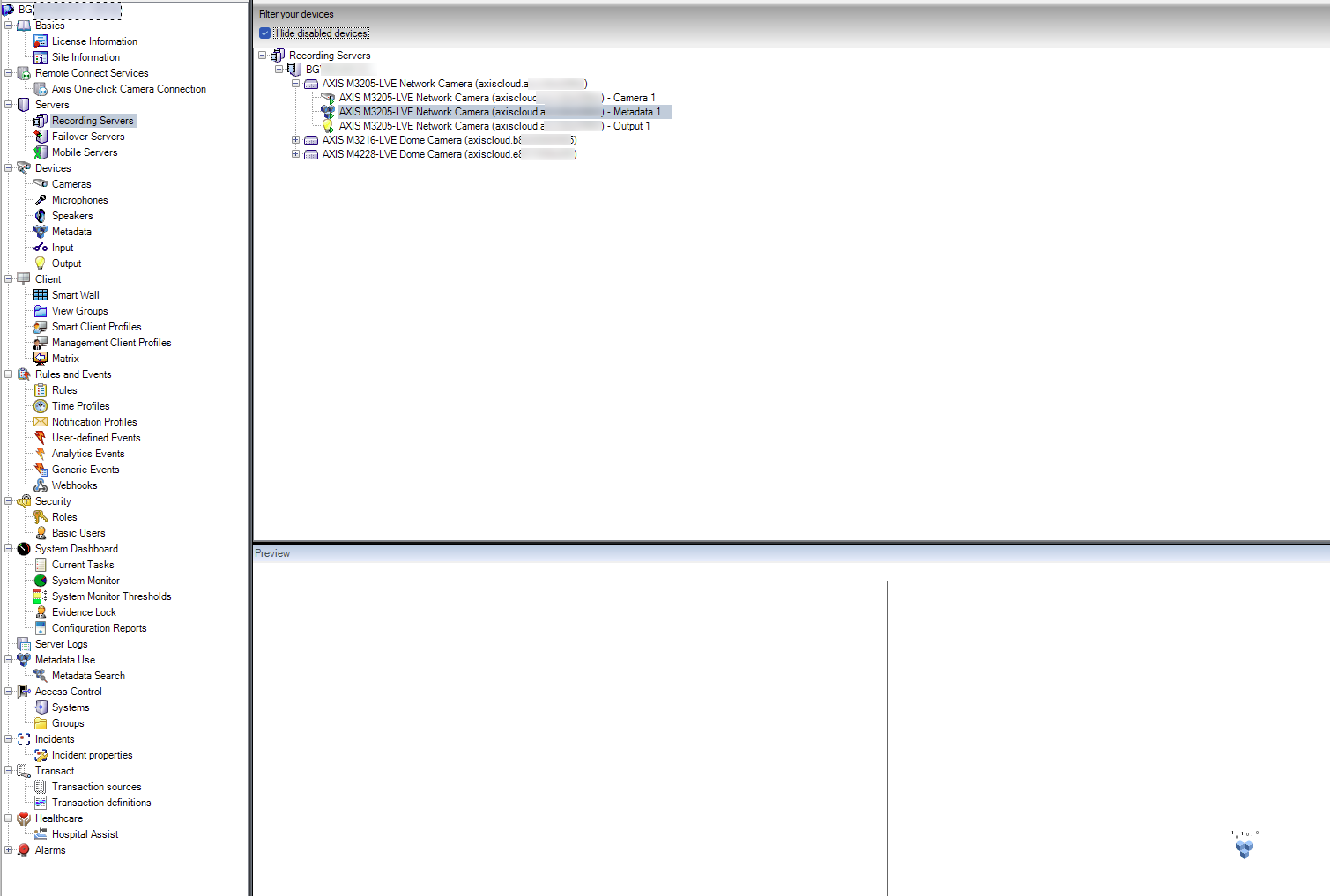 |
If no metadata entry appears, verify that:
The device is successfully onboarded
MQTT is connected to the device
Metadata topics are configured on the device (if required)