Axis Cloud Access Configuration Web Page
Milestone XProtect Axis Cloud Access configuration page uses Windows Account authentication.
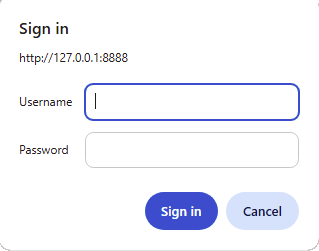
When the application is installed, the installing user is automatically added to the local Windows group AxisCloudAccessAdmins. Only users who are members of this group can sign in to the Axis Cloud Access configuration page at http://localhost:8888 using their Windows username and password.
To allow another user to access the page, add that user to the AxisCloudAccessAdmins Windows group.
Note
In some browsers credentials will be automatically provided, and the sign-in dialog will not appear.
 |
When using Mozilla Firefox, the Axis Cloud Access configuration page may not authenticate correctly by default. To allow Windows authentication for localhost:
Open
about:configin Firefox and set:network.negotiate-auth.trusted-uris = localhost.Restart the browser after changing this setting.