The Canvas
The canvas enables you to view and control various entities, including videos, audio files, photos, and more.
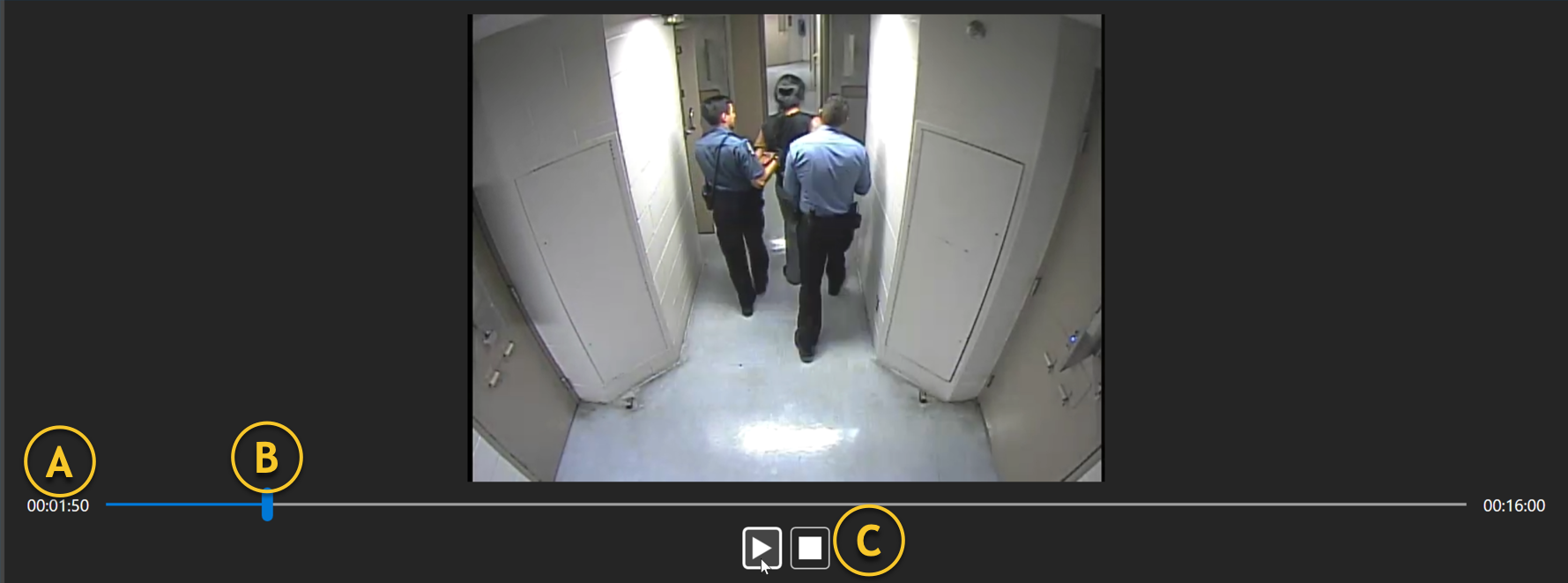
A | Timeline | This timeline displays the length of the video file being viewed and the current playback time. |
B | Slider bar | This slider bar indicates the time frame within the video being viewed and is displayed on the left side of the timeline. If you drag the slider bar forward or backward, the video will fast-forward or rewind. |
C | Player controls | These controls allow you to play, pause, or stop playing the video. |