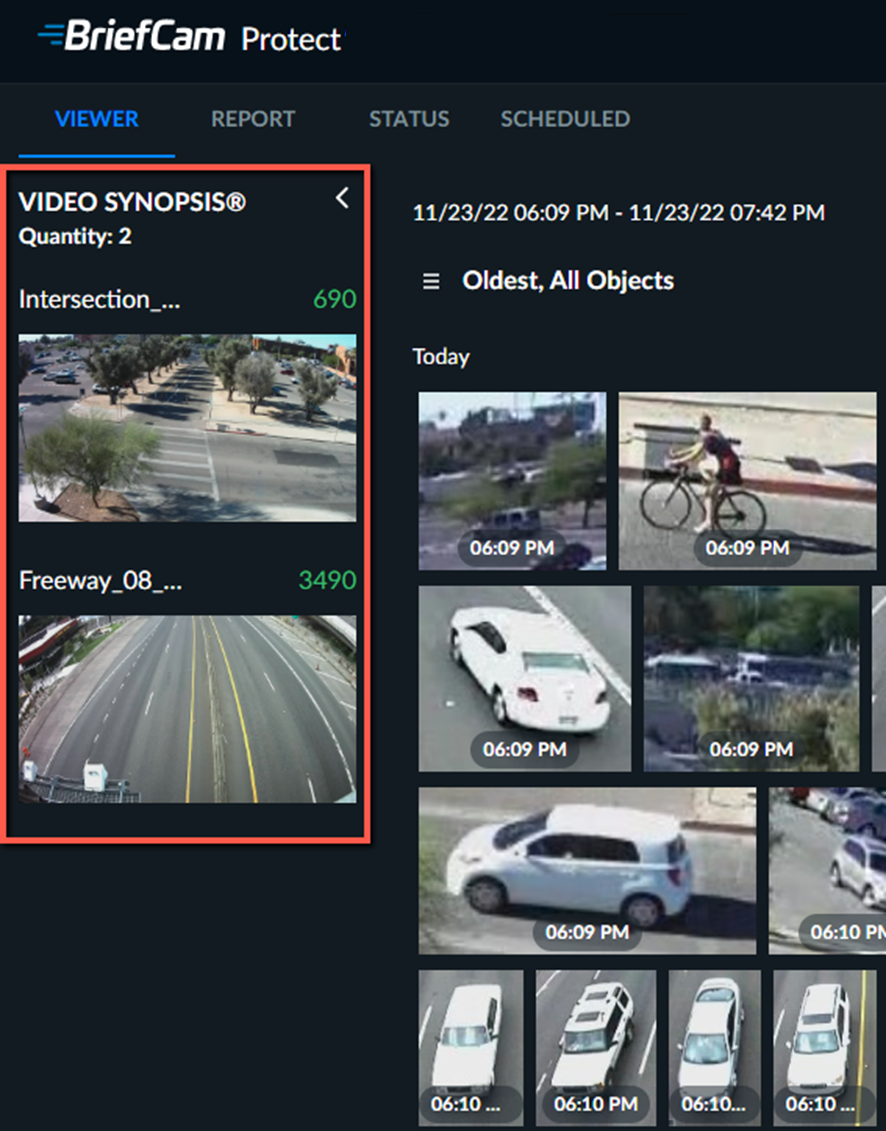
VIDEO SYNOPSIS® List
Thumbnails of each VIDEO SYNOPSIS® added to the case are listed vertically on the left-hand side of the page in the order that they are uploaded.
Every time you process video from a camera, a new VIDEO SYNOPSIS® is added for the camera. This is the case if you manually process video from the camera or when a schedule is triggered to process the video.
The VIDEO SYNOPSIS list is sorted by the number of objects (high to low) when applying filters. In addition, a VIDEO SYNOPSIS with Scene filters appears before a VIDEO SYNOPSIS without Scene filters.
Tip
It is recommended to limit the number of synopses per case to 50. More than 50 synopses may affect the user experience, such as the use of filters.
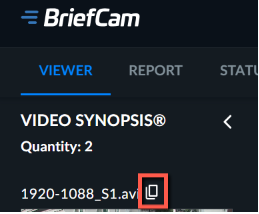
Note that you can copy the name of a VIDEO SYNOPSIS by hovering over the name and clicking the copy  icon (as shown in the image below).
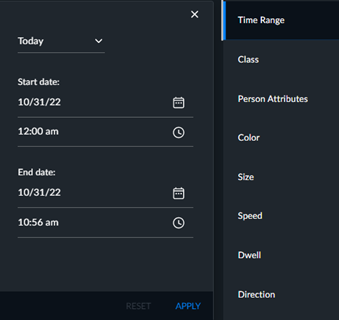
In the Time Range filter, you can filter for the last run of the video sources.
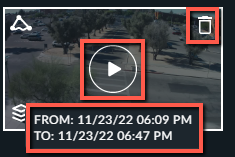
Hovering over any video source thumbnail will reveal the play button, delete button and the start and end time of the video source.
Click the play button to play the VIDEO SYNOPSIS®, which will feature only objects matching currently selected filters.