Adding a Visual Layer to a Report or Exporting an Image
You can add Visual Layer images to case report or export a still image.
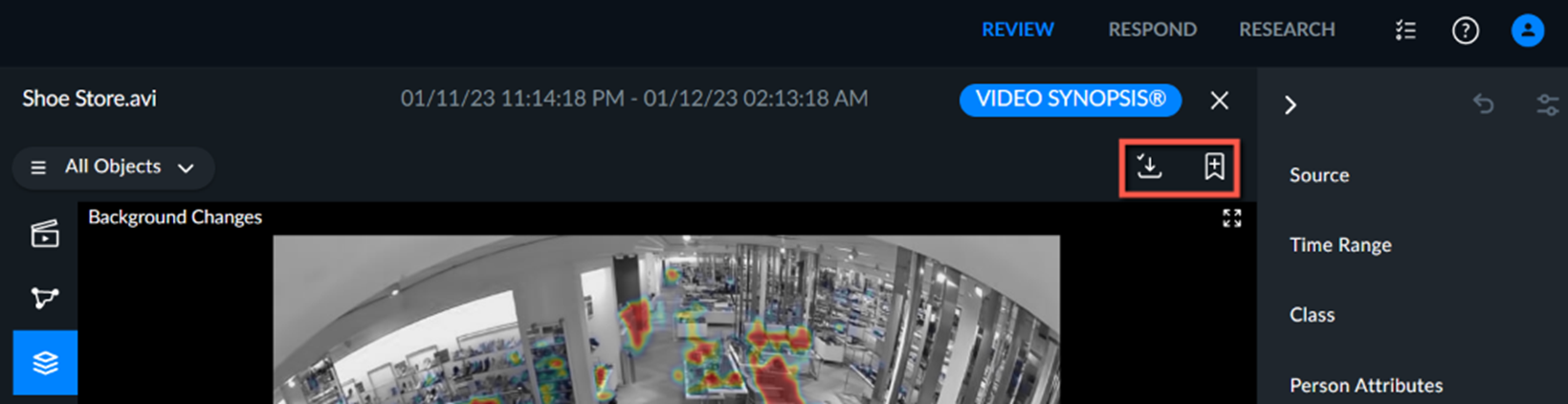
Click the Add to Report button ( ) and enter a title and description.
Click the Export button ( ) to export and download a .PNG image file with the filtered visual layer.