Remove unnecessary cameras from video playback
 | "Before I play back the video, I want to remove the cameras that don’t contain any recordings within the time span that I’ve specified. How can I do that?" |
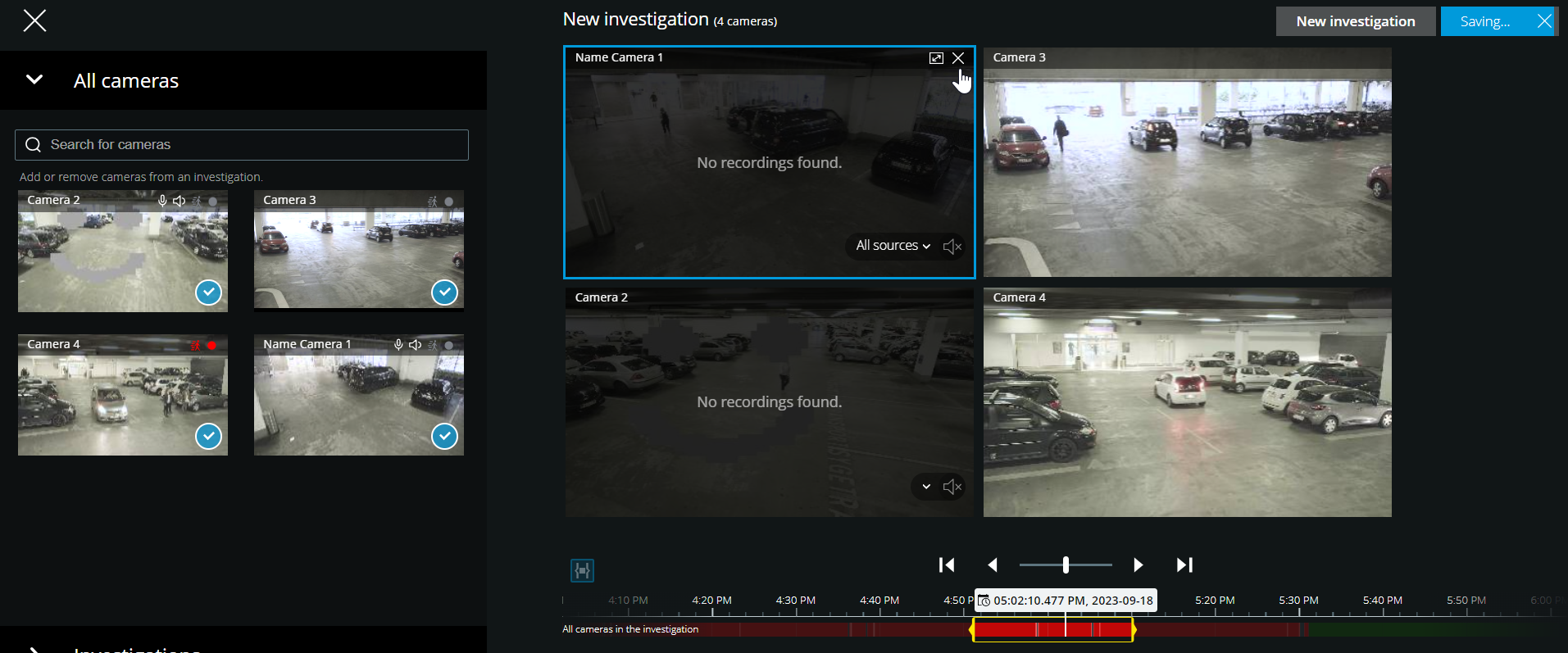
On the Investigations tab, you can remove the unnecessary cameras from a camera group if you:
Hover over the camera and then, in the upper right-hand corner, click
 .
.On the side panel, click
 .
.On the side panel, double-click the camera that you want to remove.