测试 Smart Wall 配置
在 XProtect Smart Wall 中配置 XProtect Management Client 后,您可能需要测试配置,然后再开始将 Smart Wall 控件添加到 XProtect Smart Client 中的视图。
步骤:
登录到 XProtect Smart Client。
在 视图 窗格中,展开 Smart Wall 节点。
选择一个 Smart Wall 定义,然后选择它的一个监视器。如果配置正确,主视图会显示在预设中配置为显示的摄像机。
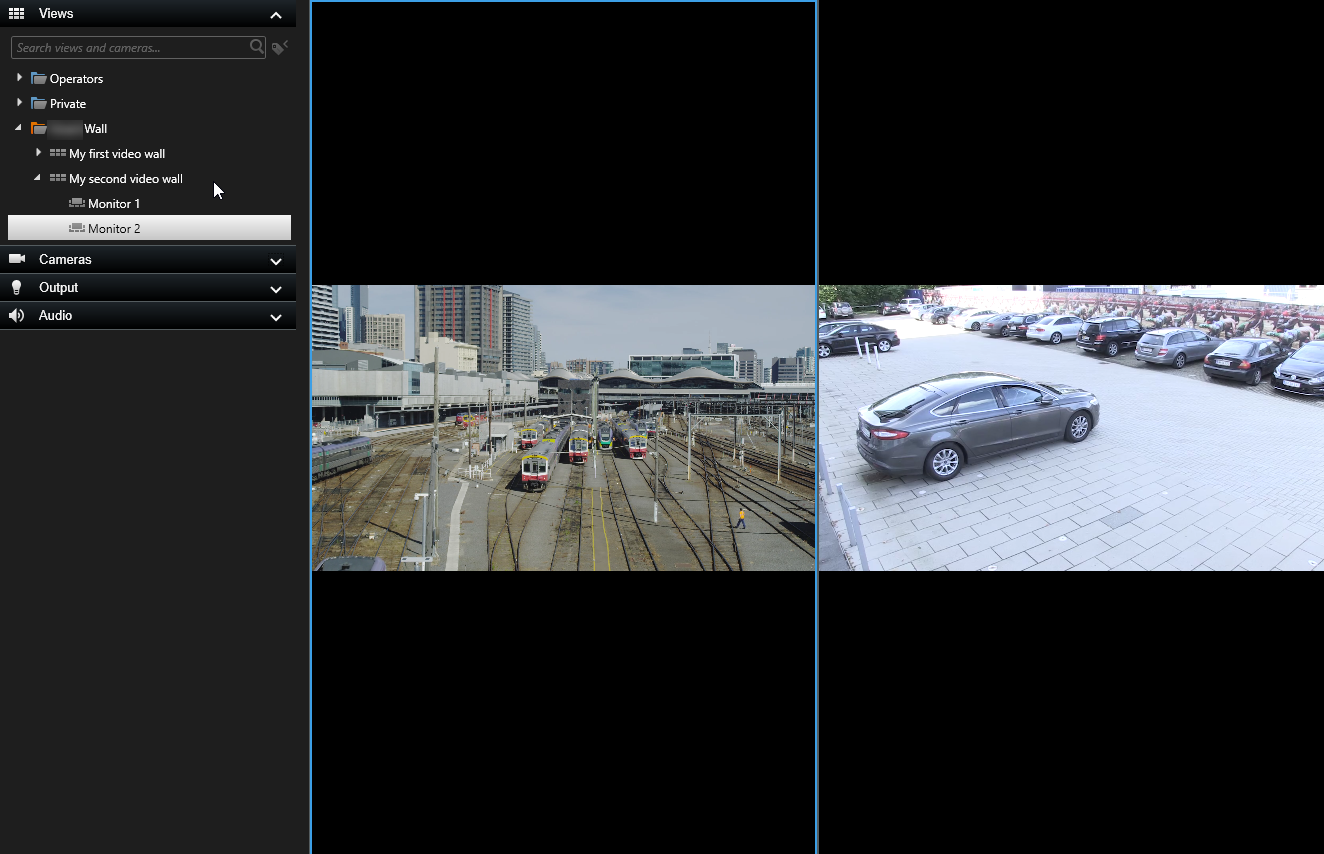
该示例显示了带两个摄像机的监视器。