Views and view items
You view video in XProtect Smart Client by selecting and switching between views in live or playback mode.
Views resemble tables. In XProtect Smart Client, the cells in the table are called view items. A view can have from one to a hundred view items to display different content.
The content is often video from cameras, but it can also be maps, web pages, still images, text, hotspots, carousels, Matrix, or other types of content.
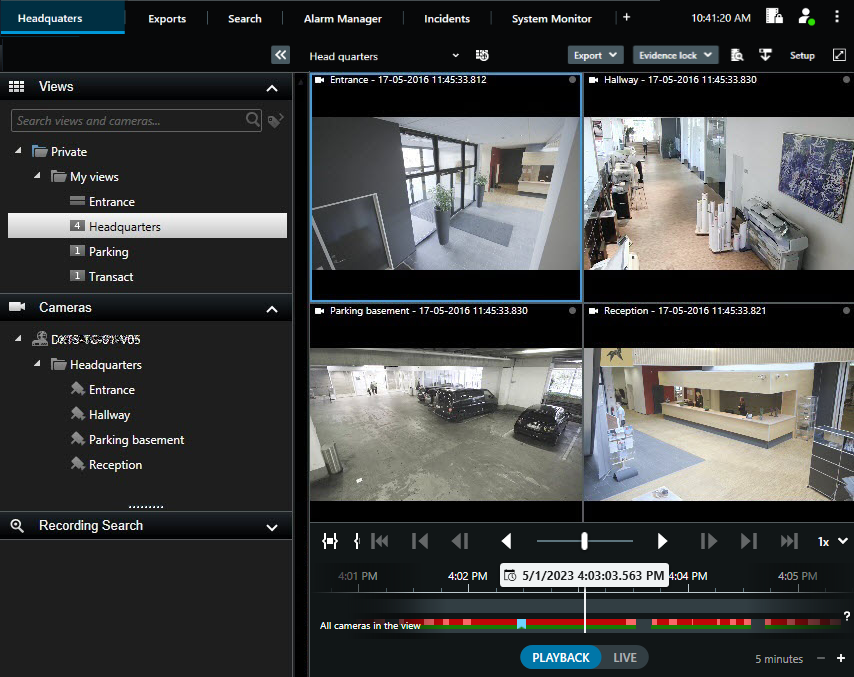
You can have as many views as you need and add the video from the same cameras or other content to as many views and view items as you want.
You can also always drag new content from the default panes in to view items in an existing view. Your changes are, however, only temporary unless you have permission to edit the view and have entered setup mode first.
Creating views with content and video from cameras that cover different areas or for specific purposes or tasks is a good idea. For example, different views with all cameras covering:
The reception area in building 1
Parking area A
All hallways in building 1
All entrances to all your buildings
The perimeter of your area