Specify the time on each position in patrolling profile
When patrolling, the PTZ camera by default remains for five seconds on each position specified in the patrolling profile.
To change the number of seconds:
Select the patrolling profile in the Patrolling profiles list.
Select the PTZ preset that you want to change the time for in the Positions list:
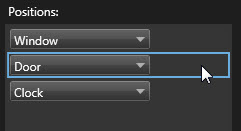
Specify the time in the Time on position (sec) field.
If required, repeat for other presets.