Specify positions in a patrolling profile
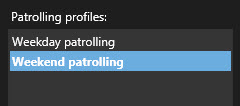
Select the patrolling profile:
Click
 below the Positions list to add a preset position.
PTZ presets are defined by your system administrator. Depending on your user permissions, you can define PTZ presets by selecting Manage PTZ presets. See Define a preset position for a PTZ camera.
In the list, select a PTZ preset.
Repeat adding presets until you have selected all necessary positions in the patrolling profile:
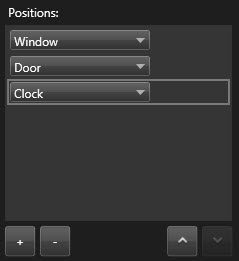
Use the up or down arrows to move a PTZ preset in the list.
The camera uses the PTZ preset at the top of the list as the first stop when it patrols according to the patrolling profile. The PTZ preset in the second position from the top is the second stop, and so forth.