Enable Milestone Map Service
Milestone Map Service is an online service with which you can connect to a tile server of Milestone Systems. This tile server uses a free, commercially available map service.
After you enable Milestone Map Service on your smart map, the smart map uses Milestone Map Service as its geographic background.
Steps:
On the global toolbar, select Settings and more
 and then Settings
  .
.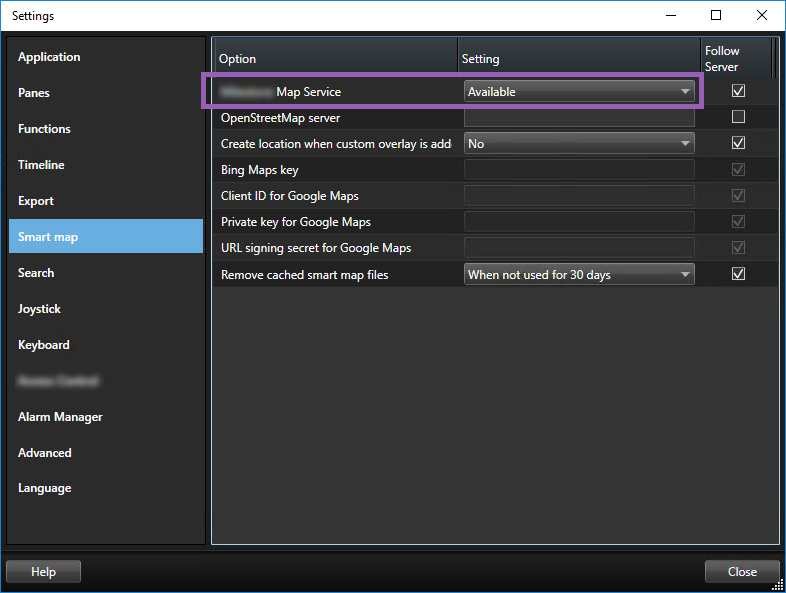
In the left section, click Smart map.
In the Milestone Map Service field, select Available.
Click Close. Next time you load your smart map, it uses Milestone Map Service as the geographic background.