Log in to the failover web console
Last Updated: 1 minute read
Version2026r1
LanguageEnglish
On a computer that has access to the failover cluster, open a browser and specify the URL of the failover web console using this format:
http://[computername.domainname]:9010orhttps://[computername.domainname]:9453.The
[computername.domainname]is the FQDN of either Node 1 or Node 2.Note
On Node 1 and Node 2, double-click the icon of the XProtect Management Server Failover web console on your desktop.
To log in to the failover web console, you must authenticate with the user name
adminand the password you set during the configuration of the failover cluster. If you do not remember your password, see Change the password for authentication.
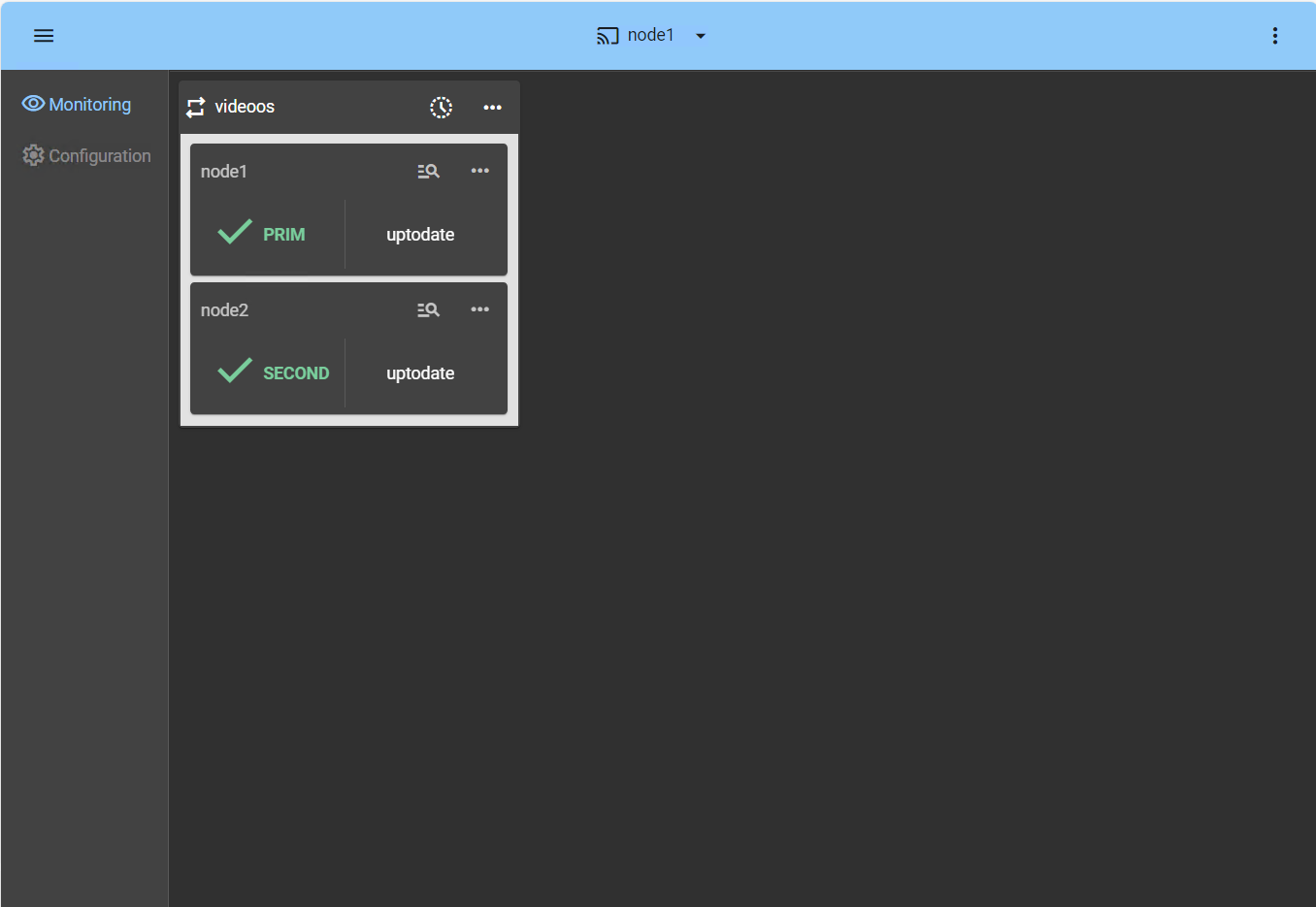
The failover web console opens: