Specify behavior when recording storage is unavailable
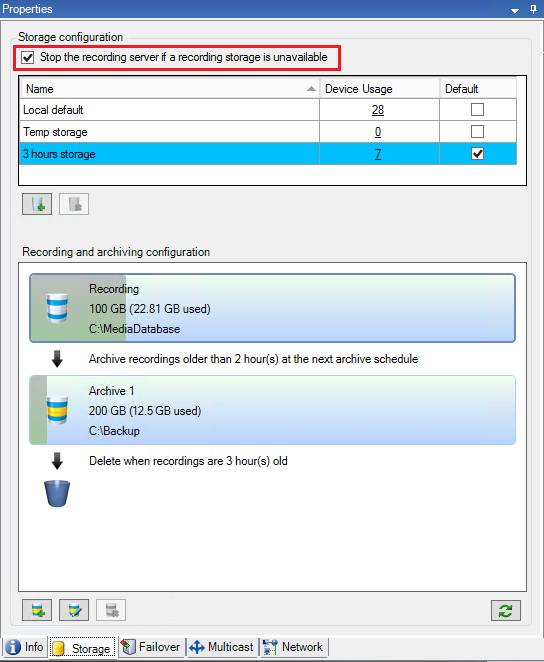
By default, the recording server keeps running if a recording storage becomes unavailable. If your system is configured with failover recording servers, you can specify the recording server to stop running, to make the failover servers take over:
On the relevant recording server, go to the Storage tab.
Select the Stop the recording server if a recording storage is unavailable option.