Enable event server encryption
You can encrypt the two-way connection between the event server and the components that communicate with the event server, including the LPR server.
Note
When you configure encryption for a server group, it must either be enabled with a certificate belonging to the same CA certificate or, if the encryption is disabled, then it must be disabled on all computers in the server group.
Before you begin, ensure that a trusted server authentication certificate has been accepted on the computer that hosts the event server.
First, enable encryption on the event server.
Steps:
On a computer with an event server installed, open the Server Configurator from:
The Windows Start menu
or
The event server by right-clicking the event server icon on the computer task bar
In the Server Configurator, under Event server and add-ons, turn on Encryption.
Click Select certificate to open a list with unique subject names of certificates that have a private key and that are installed on the local computer in the Windows Certificate Store.
Select a certificate to encrypt communication between the event server and related add-ons.
Select Details to view Windows Certificate Store information about the selected certificate.
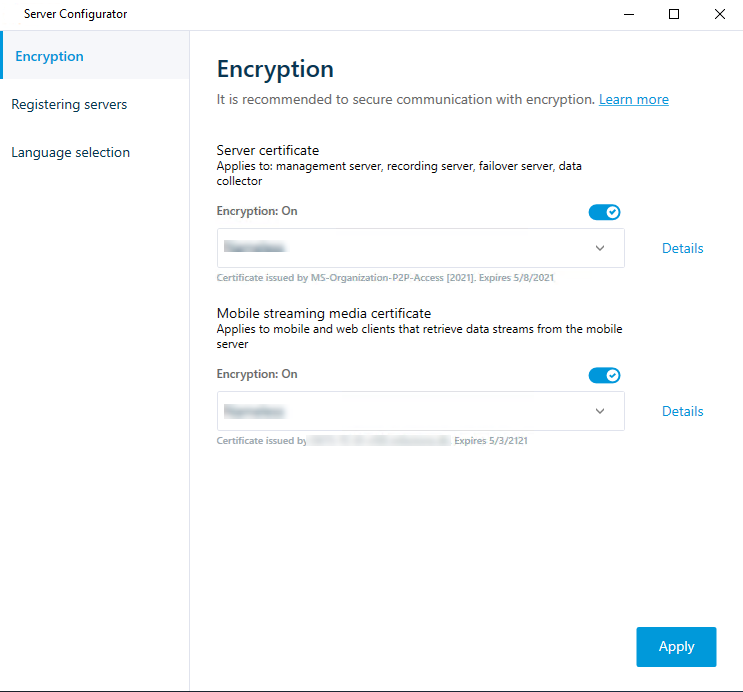
Click Apply.
To complete the enabling of encryption, the next step is to update the encryption settings on each related server.