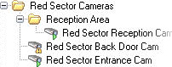
Specify which devices to include in a device group
In the Overview pane, right-click the relevant device group folder.
Select Edit Device Group Members.
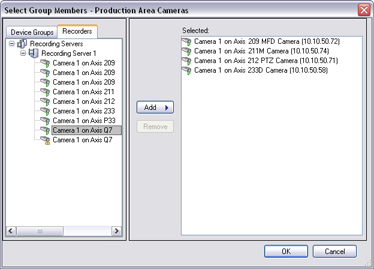
In the Select Group Members window, select one of the tabs to locate the device.
A device can be a member of more than one device group.
Select the devices you want to include, and click Add or double-click the device:
Click OK.
If you exceed the limit of 400 devices in one group, you can add device groups as subgroups under other device groups: