Snapshots
XProtect LPR uses snapshots to automatically fine-tune the camera setup and show how recognition settings affect image results. To complete the initial setup, you need to provide at least one valid snapshot.
As a guideline, take the snapshots of vehicles in the actual environment and lighting conditions where you want license plates to be recognized.
The examples below show typical situations to consider when you capture and choose snapshots. Not all may apply to your setup.
Milestone recommends that you select a minimum of 5-10 snapshots that represent typical conditions of:
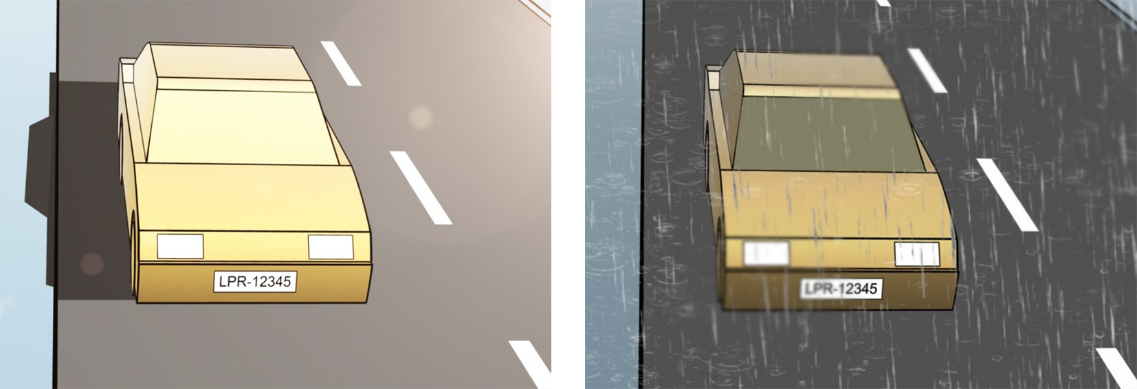
The weather, such as sunlight and rain
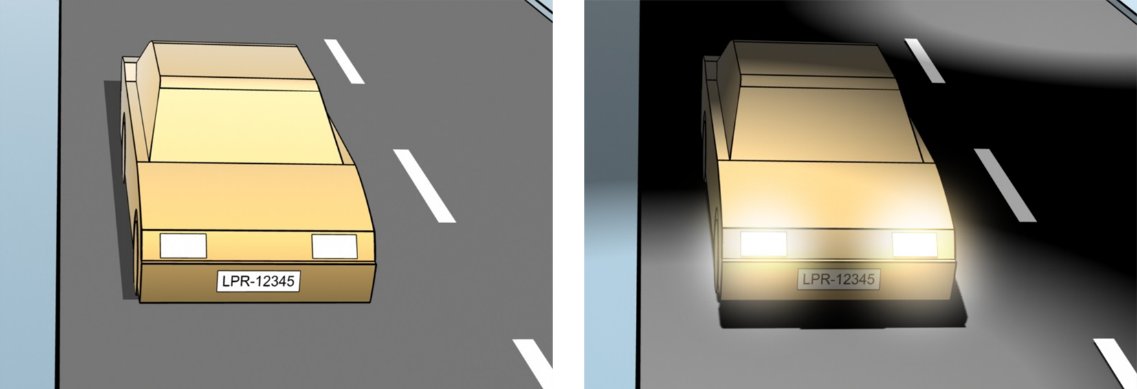
The light, such as daylight and nighttime
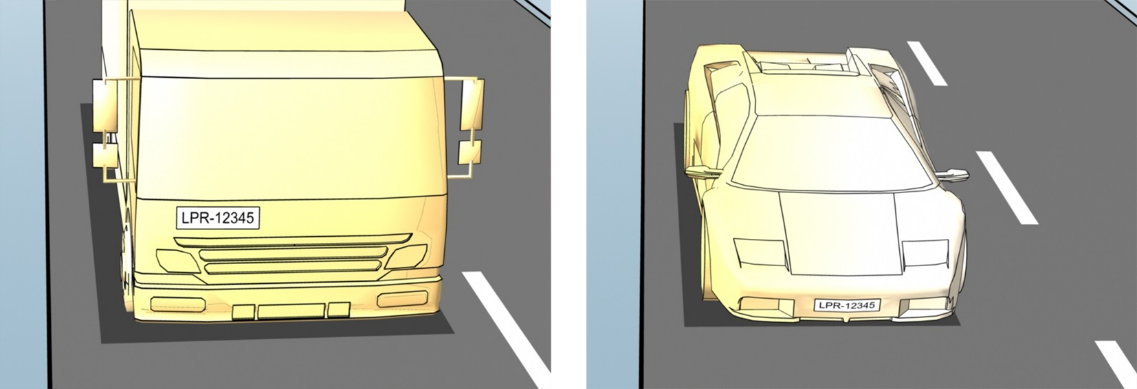
Vehicle types to define the top and bottom of the recognition area
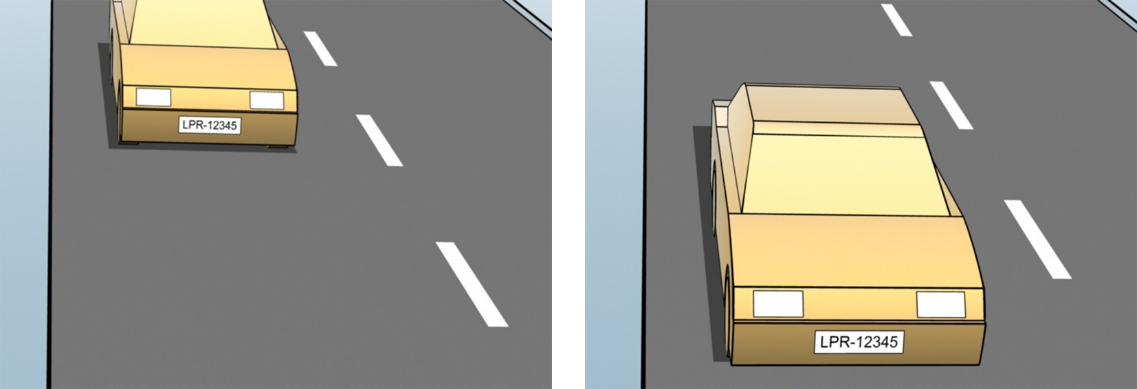
Position in the lane to define the left and right of the recognition area
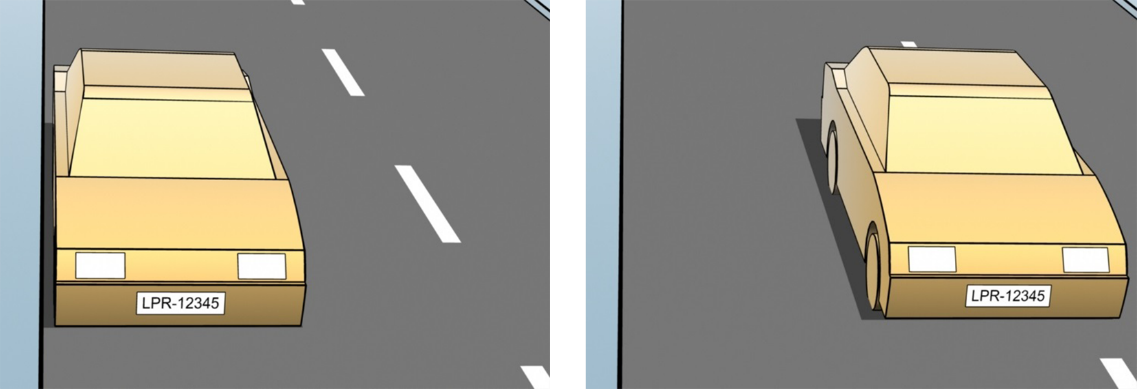
Distance to the car to define the area where LPR analyzes license plates