Onboarding devices
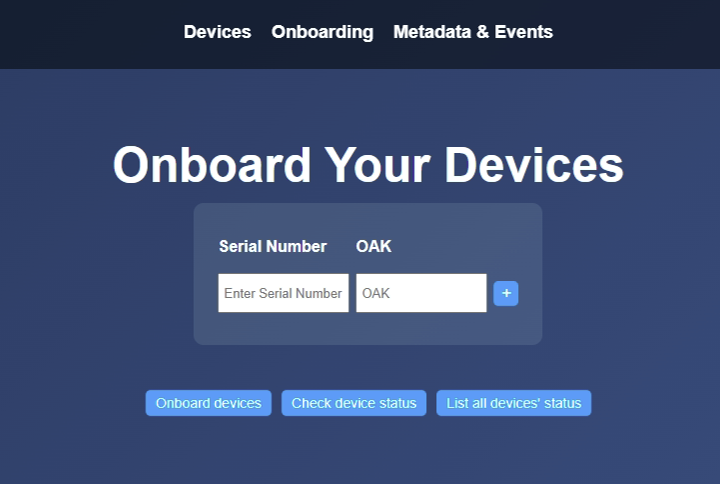
After completing Axis Cloud authentication and authorization, you can onboard one or more Axis devices using the Onboarding page.
 |
To onboard a device(s)
Open the Onboarding page.
Locate the Serial Number (sometimes labeled as MAC) and OAK on the device label or packaging.
Enter the Serial Number and OAK in the corresponding fields.
The values are case‑insensitive.
Add additional devices using the button if needed
Click .
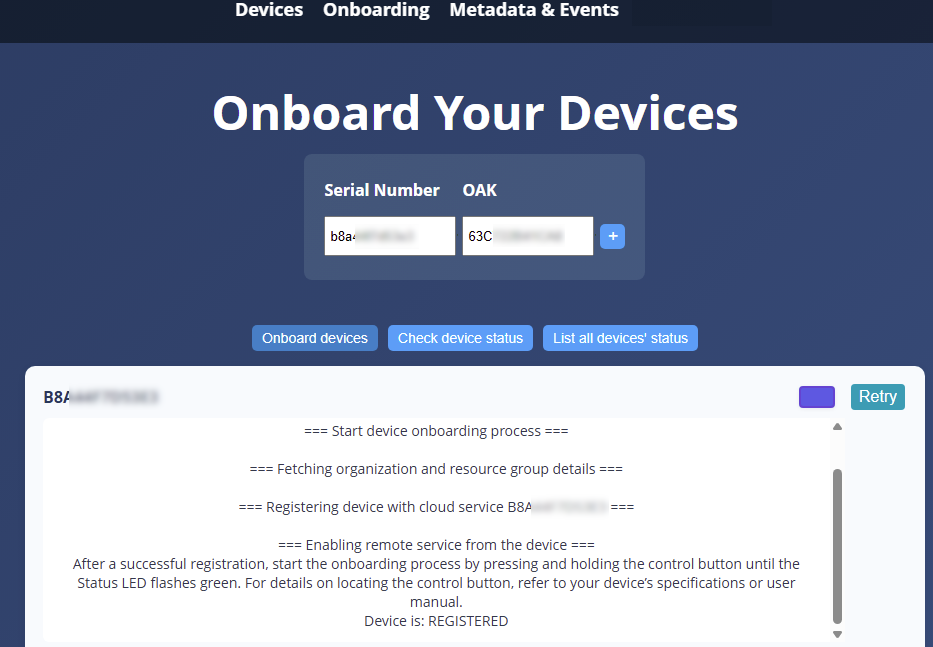
Wait until the process reaches the Registered state.
 |