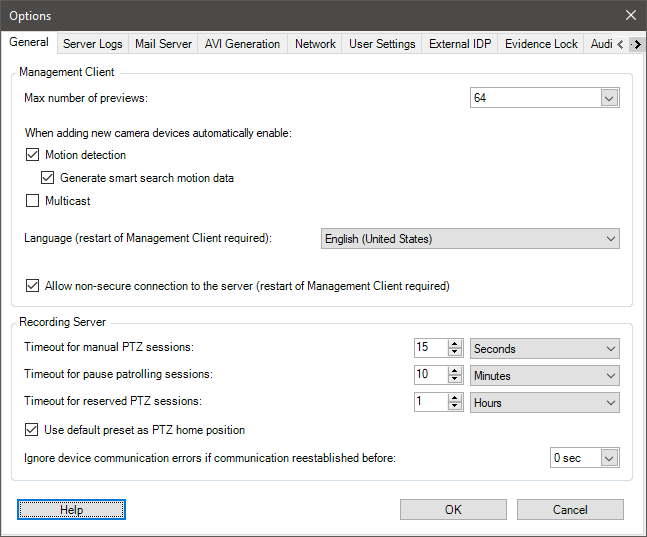
System settings (Options dialog box)
In the Options dialog box, you can specify a number of settings related to the general appearance and functionality of the system.
Mevcut işlev, kullandığınız sisteme dayanır. Milestone web sitesindeki (https://www.milestonesys.com/products/software/xprotect-comparison/) ürüne genel bakış sayfasında bulunan kapsamlı özellik listesine bakın.
To access the dialog box, select Tools > Options.