Select
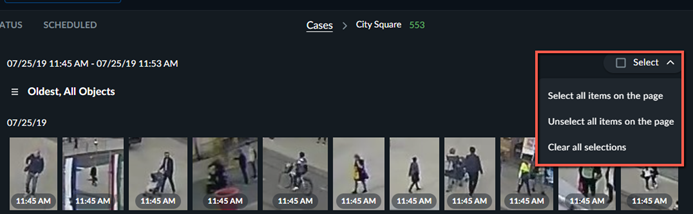
If you check the Select checkbox, all displayed objects on the page will be selected. Once selected, you can perform various options, including adding an image to the Face Recognition filter, the Appearance Similarity filter or to a report.
If you click the drop-down arrow, you can select all items on the page (the same as selecting the checkbox), unselect all items, or clear all selections.