License Plate Recognition
You can search for license plates across sources.
It’s important to remember that for license plate recognition many factors affect the performance, including camera location and angles (placement), distance of cameras and resolution (pixels), video quality, lighting, and type of camera. For more information, see the License Plate Recognition white paper.
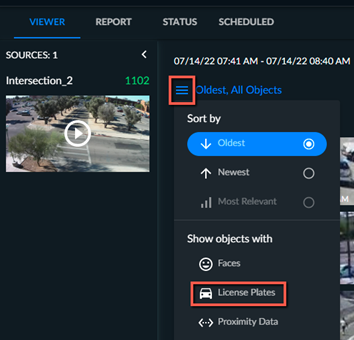
Click the three-line menu  and in the Show objects with section, select License plates. Only objects that can be added to the License Plate Recognition filter will be shown. To reset this selection, unselect License plates.