Filter Presets
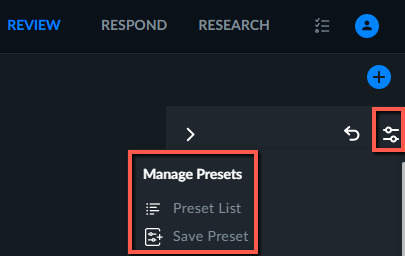
You can apply any combination of global and scene (Area, Path and Long Crossing) filters to case objects. Once you have done this, you can click the preset  icon located at the top right of the screen – and click the Save Preset option. To see the list of existing presets, click the Preset List option. To clear the preset filters, click the reset filters
  icon.
icon.
You can use presets that include Scene filters in the RESEARCH module. For additional information, see Using REVIEW Presets.