Customizations
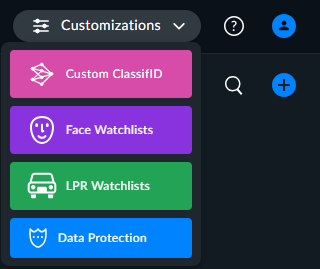
To access and change the watchlists or to access the Custom ClassifID or Data Protection tab, open the Customizations menu at the top left of the browser page.
Up to four options will appear:
Custom ClassifID – The Custom ClassifID tab will only appear for users with the required permissions.
Data Protection – The Data Protection tab will only appear for users that are part of the Data-Manager group.