Creating a New Sheet (Dashboard)
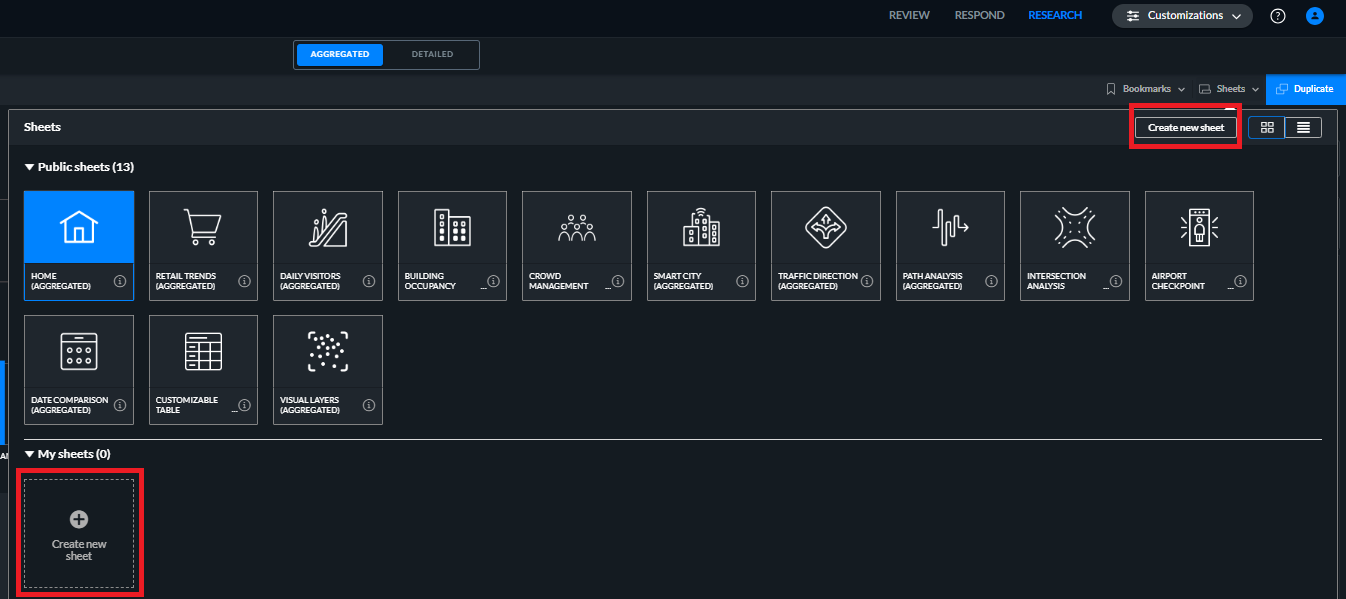
Click the sheets section on the top right of the screen.
Click Create new sheet.
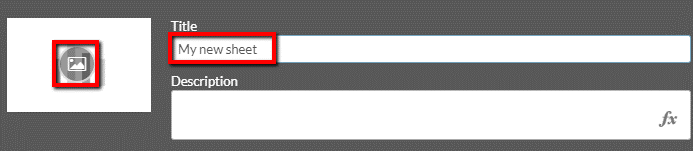
Give a title to the sheet.
If you want, you can add a thumbnail by clicking the thumbnail image.
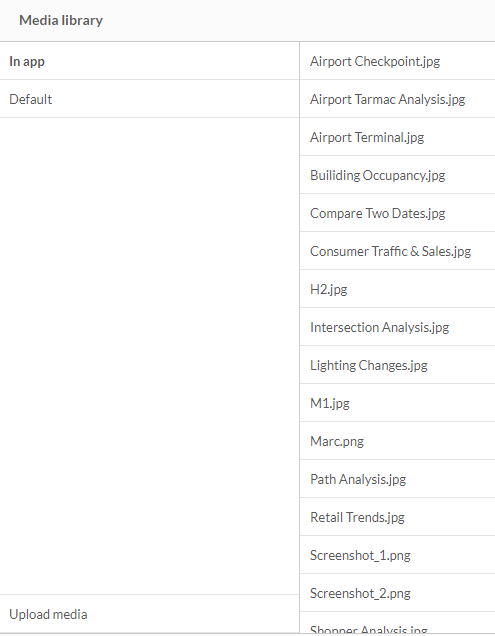
Select an image from the list or you can add your own image by clicking the Upload media option.
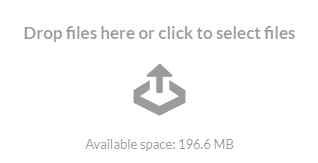
To select a file of your own, drop a file or click to select the file.
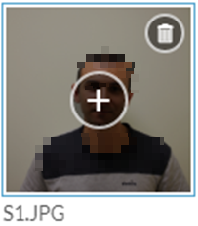
Click on the image and click the insert (+) button.
Press Enter.
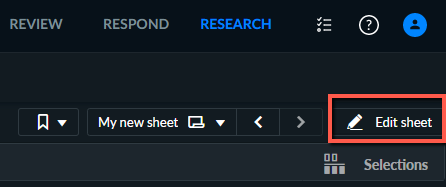
Open the dashboard and click Edit to edit the new sheet.