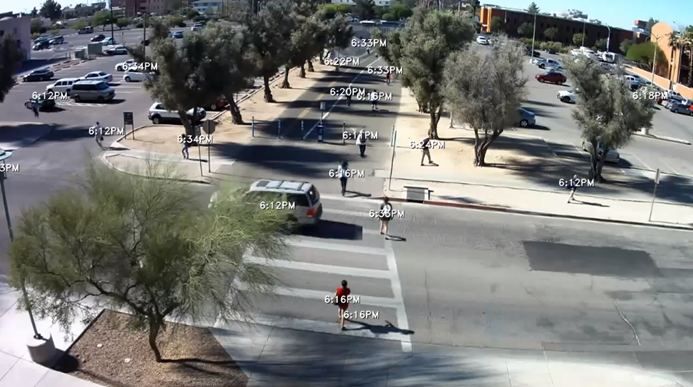
Toggle Timestamps
The timestamp ( ) option determines whether to display the time and date, the time only or to hide the timestamp (off).
The timestamp option is available in the More video options menu ( ).
).
Timestamps indicate the date and/or time (hour and minute) at which events first appeared.
Timestamps are displayed continuously while the VIDEO SYNOPSIS® is played.
The selection is persistent for all VIDEO SYNOPSIS® playbacks by the user on all modules. Once the user changes the timestamps mode, it is saved in the user’s settings for all later synopsis playbacks.