Object Counts
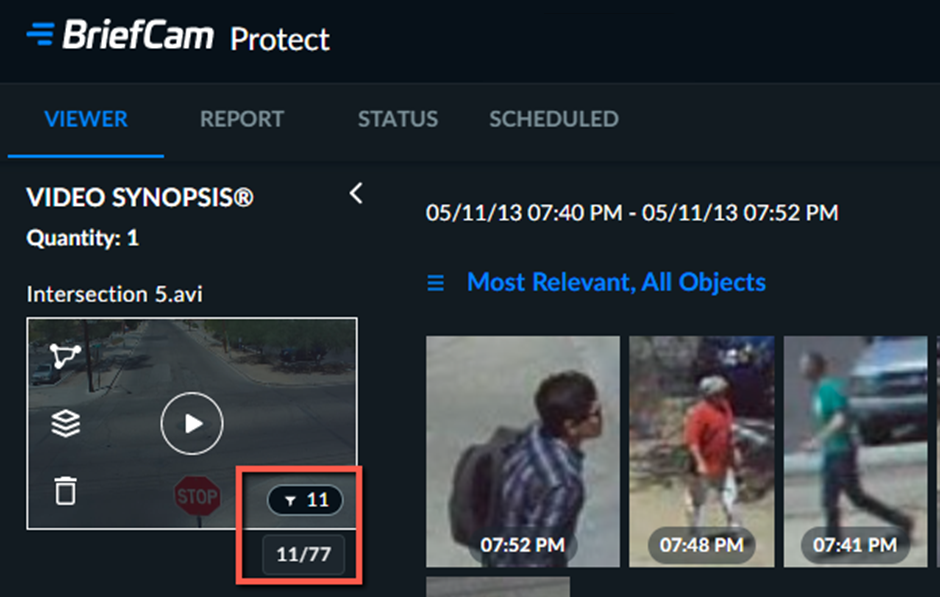
Per-Video Object Count
In the right-bottom corner of the VIDEO SYNOPSIS thumbnail, you can see the total number of objects detected in a specific video source. When you apply filters, this count shows the number of objects that match the criteria. If you hover over the number, you can also see the number of objects that match the criteria out of the total number of objects detected in the video source.
Note
When processing the same video a number of times, there may be slight differences in the number of discovered objects, due to BriefCam’s parallel computing optimization methods.
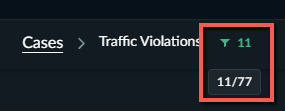
Per-Case Object Count
At the top middle part of the screen, you can see an object count per case in green. It will either display the overall number of objects detected in the video synopses associated with the case or the number of case-associated objects that match the applied filters. If you hover over the green number, you can also see the number of objects that match the criteria out of the total number of objects detected in all the video synopses.