Dwell Heat Map
To generate a dwell heat map:
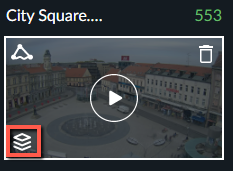
Click the Visual Layers control (
 ).
).
Click the Dwell icon (
 ) to display a dwell heat map layer highlighting area, in which events lingered for extended periods of time (see below). The minimum time an object needs to dwell in order to appear in the Dwell heat map layer is 10 seconds.
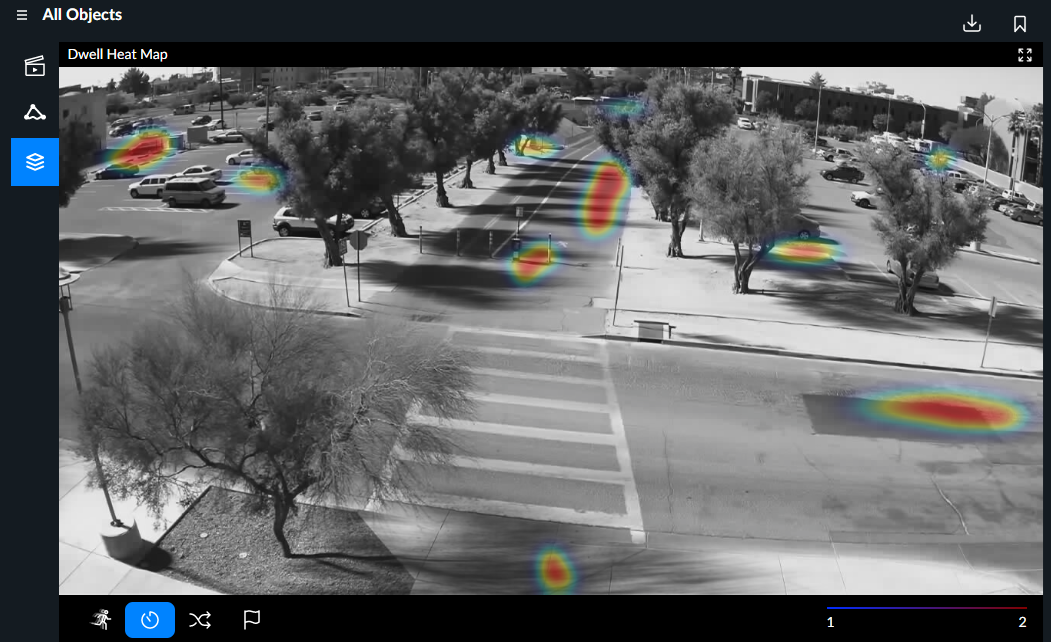
The dwell heat map legend ( ) available at the bottom of the synopsis playback window indicates the number of detected objects having dwelled at the highlighted areas.