Chart Suggestions
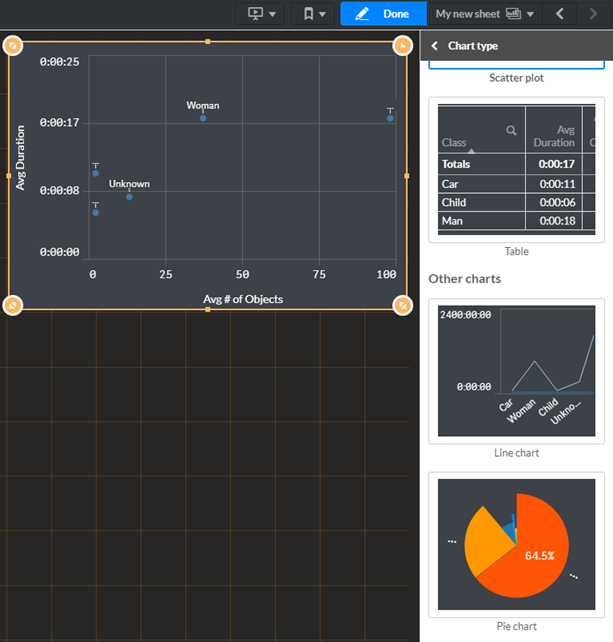
BriefCam will suggest charts for you based on measures and dimensions that you add to the dashboard. This is useful if you are not sure what chart to use.
While editing a dashboard, drag a dimension and/or a measure onto the dashboard.
BriefCam will suggest a chart for you.
To see other suggestions, click the arrow to the right of the word Auto.
You can select one of the other recommended charts by clicking on it.
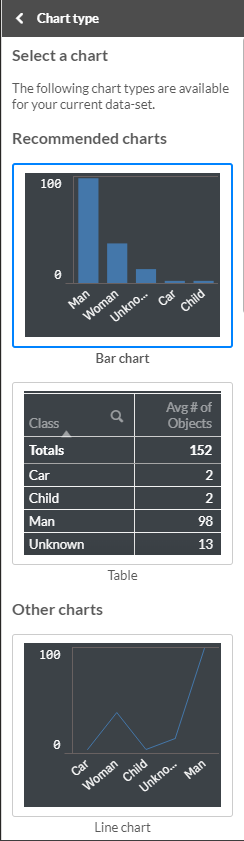
As you add or remove fields, the suggested visualization adjusts itself based on your changes.