Adding a License Plate from the Filter to a Watchlist
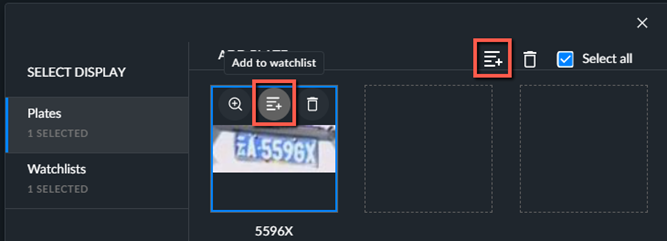
To add a license plate to a watchlist, click on the  button on the top of the image or the top right of the screen and then select which list to add the license plate to.
Note
You can make license plates available to other cases by adding license plates to watchlists and then selecting the watchlist from the other case.
Note
Creating, uploading and managing watchlists is done in the Customizations menu. For more information, see License Plate Recognition (LPR) Watchlists.