Uploading License Plates
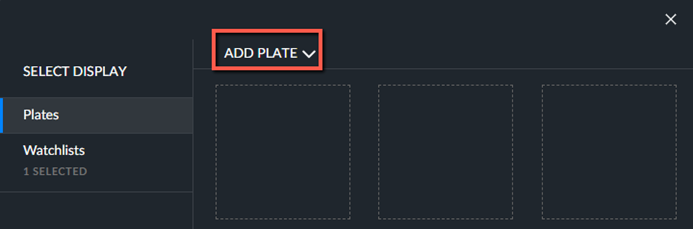
You can add license plate text manually by clicking the Add Plate button.
When you type in a lower-case letter, it will be automatically converted to an upper-case letter. If you enter a hyphen (-), it will be omitted.
The string can be 4-10 characters long, or 2-10 characters long with wildcards.
The license plate number can include letters and numbers (0-9) as well as wildcards.
The supported wildcards are:
Wildcard | Description |
? | Replaces any single character or number. Question marks can be used anywhere in the string. The string ???JK will match any license plate that has J and K as the fourth and fifth character. For example, the following will be found for this search: ABCJK, 251JK and more. |
* | Replaces any number (zero or more) of characters and numbers. Asterisks can be used at the beginning or end of the string. For example: The string *JK will match with the following: 0974JK, 25JK, JK and more. |
Note that the string *JK? will match with the following: 0974JK2, 25JK0, JK1 and more. | |