Why is the video source image not appearing?
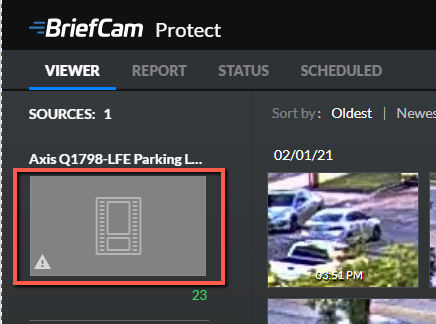
To fix this behavior:
Make sure the shared folders have IIS permissions as described here.
Check that the correct path to the shared folders is defined in the ProWebAPIStorage website.
Check that the correct authentication is set for the ProWebAPIStorage webiste as described here.
Open the DevTools (press F12) and see if you can locate the issue.
Check the relevant Web Service log.