Why is the time displayed in BriefCam's RESEARCH module different than the time set on my machine?
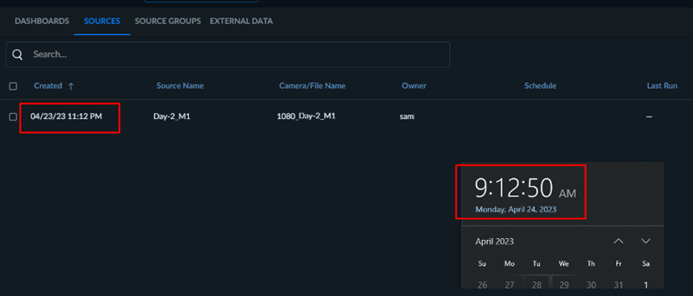
If you changed the time zone of the database machine, you also need to update the postgresql.conf file with the same time zone.
Open the
postgresql.conffile located by default at:C:\PostgreSQL_Data\.Update the following value:
log_timezone = '<time-zone>'.Restart the PostgreSQL service.