When accessing RESEARCH dashboards, why am I receiving a 400 error page with the error message "incorrect header"?
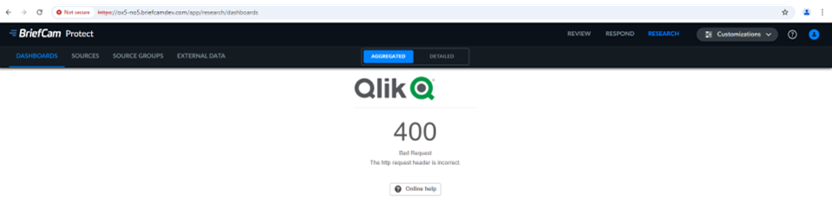
From your workstation:
From the BriefCam Administrator Console, go to Settings > Environment Settings.
Verify that the QlikServer setting contains the correct IP address/hostname/FQDN for the Server running RESEARCH.
On the server running RESEARCH:
Open a browser as the BCUser (or the applicative user you are using) on the server that runs research (right click on the browser icon and select “Run as a different user”).
Browse to https://localhost/qmc.
Browse to virtual proxies on the bottom left.
Double click BC.
On the right-hand side, click Advanced.
Add a new value in the host allow list.
Add the host IP address/hostname/FQDN.