Preloading RESEARCH Apps
You can preload the Aggregated and Detailed apps to improve loading times. This is especially useful for RESEARCH environments with large datasets that would otherwise take minutes to load.
To activate this functionality:
Connect to https://ResearchServerName/qmc with the Qlik admin user.
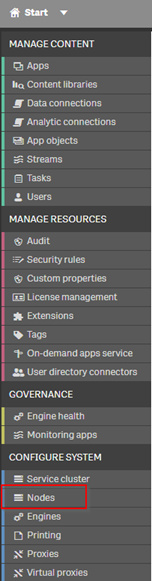
Click on Nodes (in the CONFIGURE SYSTEM section).
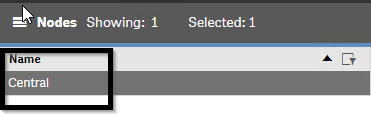
Double-click on Central.
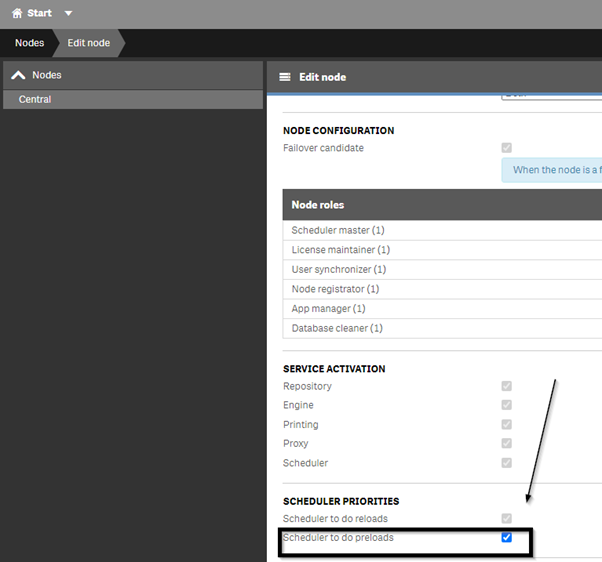
Check the Scheduler to do preloads check box and click .
Click Start to go back to the main QMC screen.
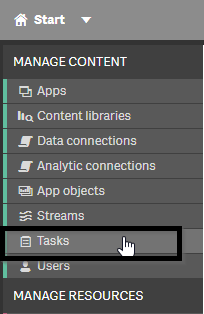
Click Tasks (in the MANAGE CONTENT section).
Click the button.

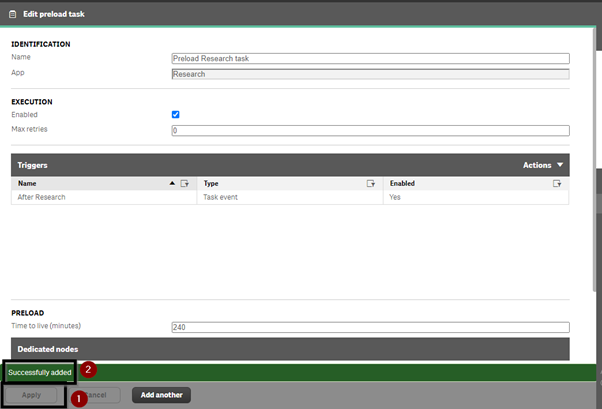
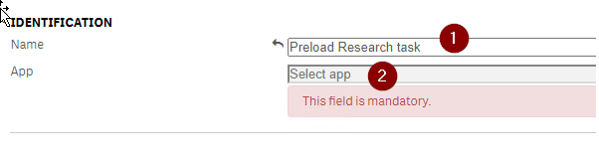
Give the task a name, such as ‘Preload Research task’ or ‘Preload Research-Aggregate task’.
Click Select app.
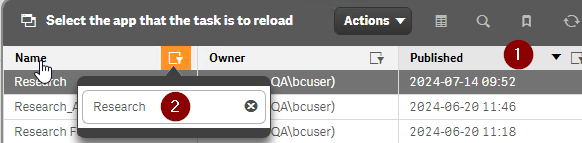
Click Published to order by Published App.
Filter by name – ‘Research’ or ‘Research_Agg’ as needed, and click .
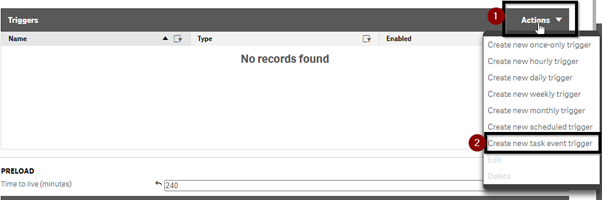
Click Actions and then select Create new task event trigger.
Give the trigger a name such as
After ResearchorAfter Research_Aggand click .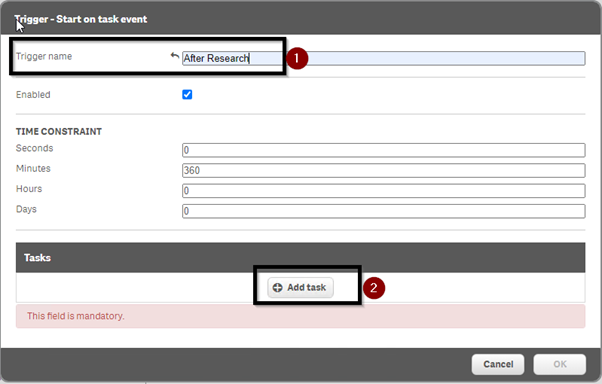
Click the Tasks tab.
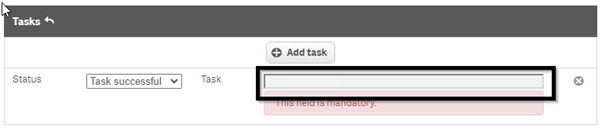
Filter on Research Application Reload Task for the Research App, or Research_Agg Application Reload Task’ for the Research_Agg App.
Click and click again.
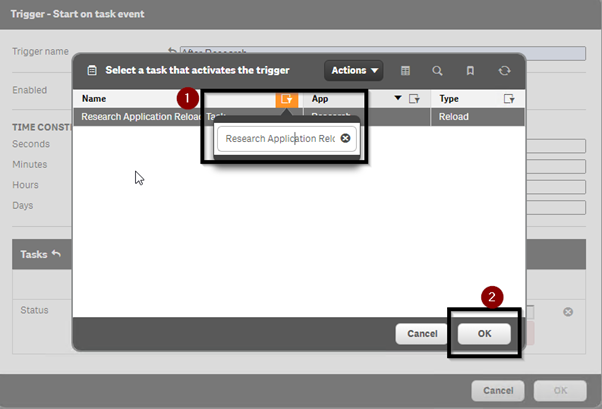
Click and see the Successfully added message.