Localization
In the Localization section (as seen in the image below), you set the values that will be used as the default for new users in the BriefCam application for the following options:
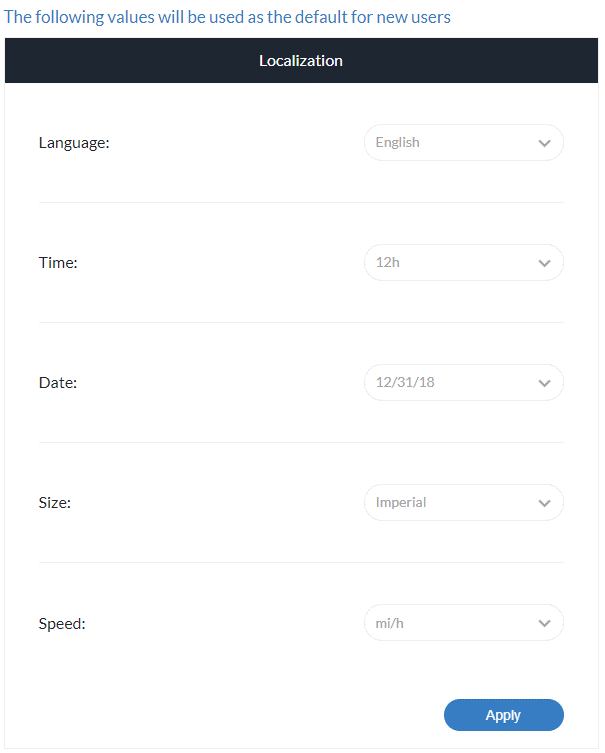
Language: The default value is English. Additional supported languages include Arabic, Brazilian Portuguese, Bulgarian, Chinese (Simplified), Chinese (Traditional), Danish, Dutch, Finnish, French, German, Italian, Japanese, Korean, Russian, Spanish (Latin American), Thai, Turkish, Ukrainian, and Vietnamese.
Time: 12h or 24 hours (default value is 12h).
Date: DD/MM/YY or MM/DD/YY (default value is MM/DD/YY).
Size: Imperial or metric (default value is imperial).
Speed: mi/h or km/h (default value is mi/h).
The Tag ID at the bottom-right of the screen is a number for support purposes. When contacting a Support representative, you may be asked to provide this number.