Assigning a Tag to a Camera
Once you have assigned tags in the Tag Management screen, you can then assign the tags to cameras as described below.
In the Camera Management screen, click the tag
 icon from one of the cameras.
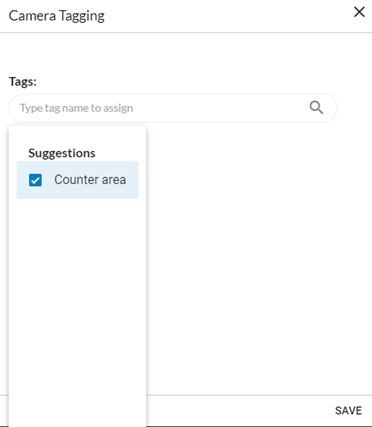
In the Camera Tagging screen, select the tag or tags you want to assign to the camera.
Click the button.