

Add a web page to a view
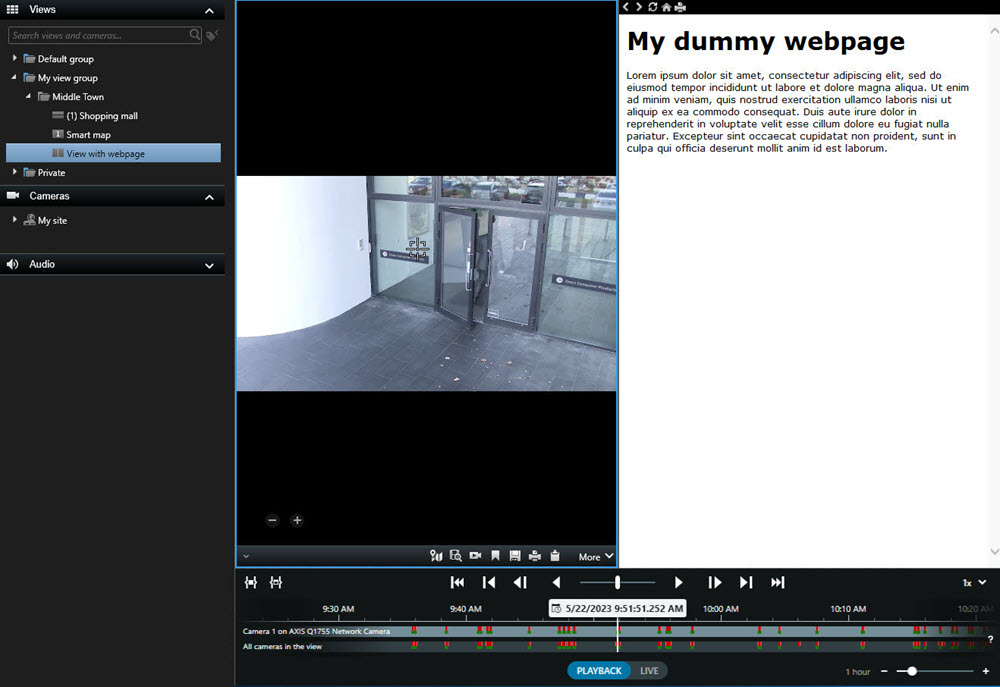
You can embed web pages into your views, such as online instructions or company web pages, alongside the video from cameras or other content.
The supported formats are HTML, PHP, and ASP.
-
Select the view.
-
在工作区工具栏中,选择设置。
-
On the System overview pane, select and drag the HTML page item to one of the view items.
-
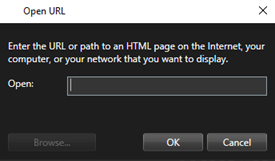
Enter the web address of the web page.
-
Expand the Properties pane to verify the web page properties and change them if needed. See Web page properties.
-
再次选择设置可退出设置模式并保存修改。