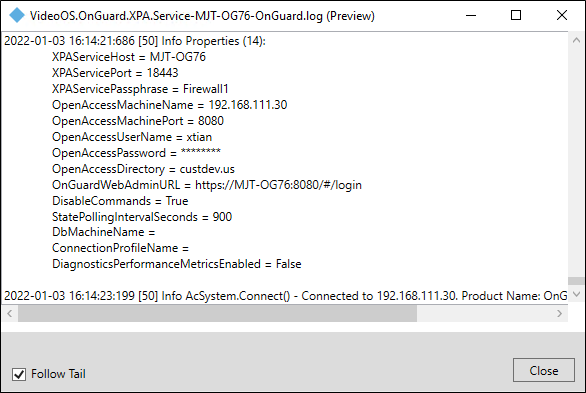
Log viewer
-
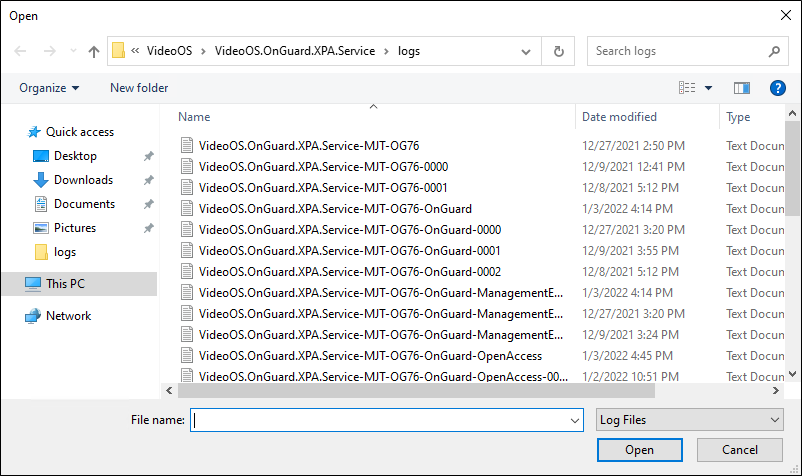
Choose the View logs option from the shortcut menu of the service tray icon to launch a file explorer window of the location containing the OnGuard XProtect Access Service log files.
-
Select a log file to open the log viewer application and browse the log messages.