

Turn playback on or off
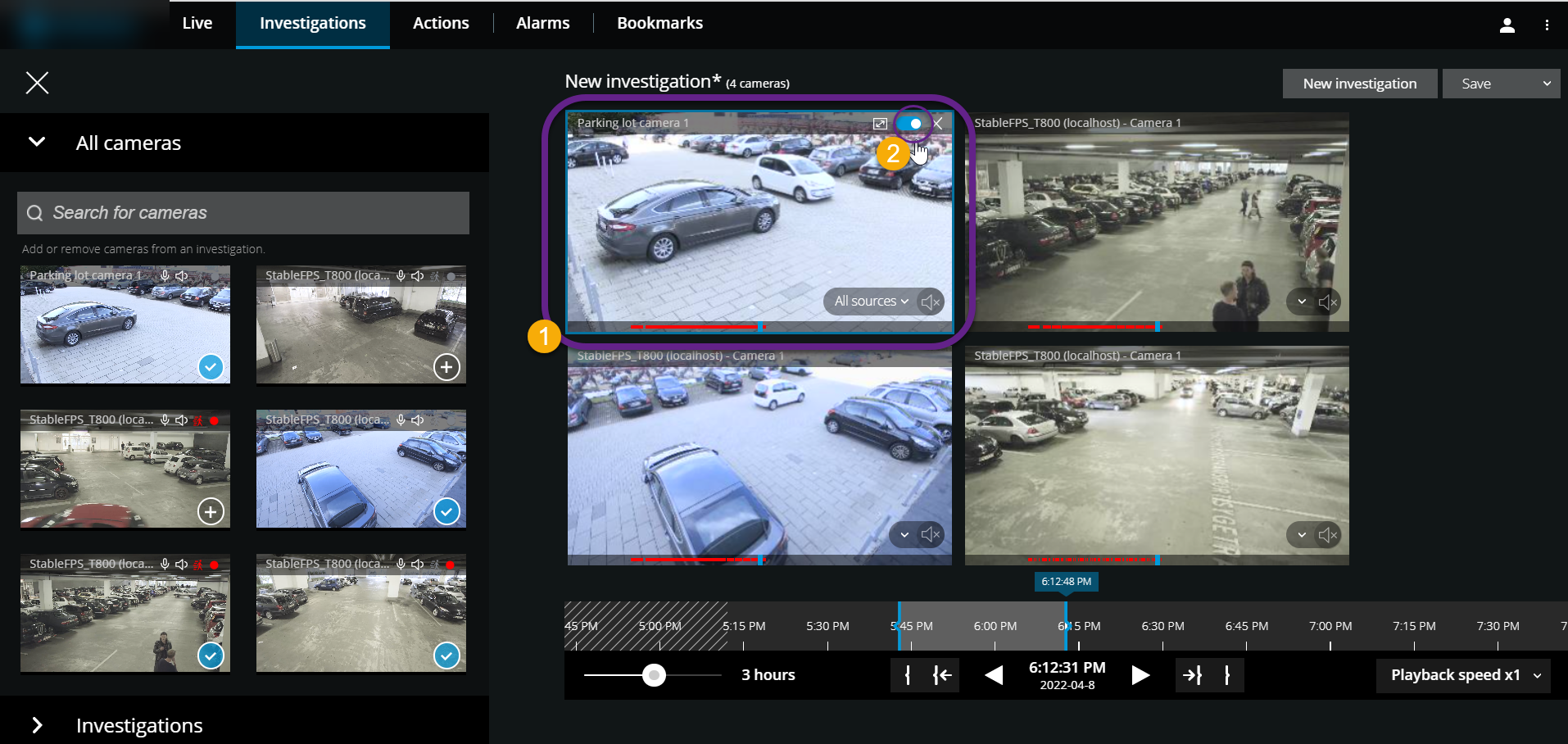
On the Investigations tab, in an investigation:
- Place the cursor over the camera
 that you want to enable or disable playback for.
 - In the upper-right corner of the video
 , click
  to turn playback off or on.