
Edit a customer
Edit the name of a customer to change the way that it appears in Milestone Customer Dashboard:
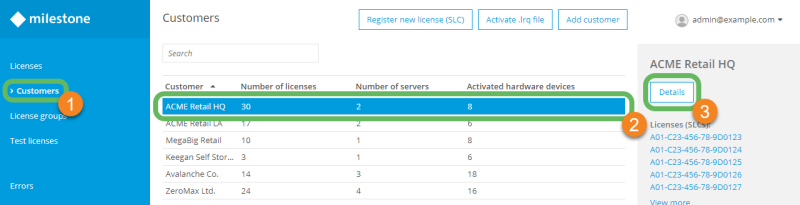
- In the main menu, select Customers
 .
. -
Select the customer that you want to rename
 and select Details
 .
.
-
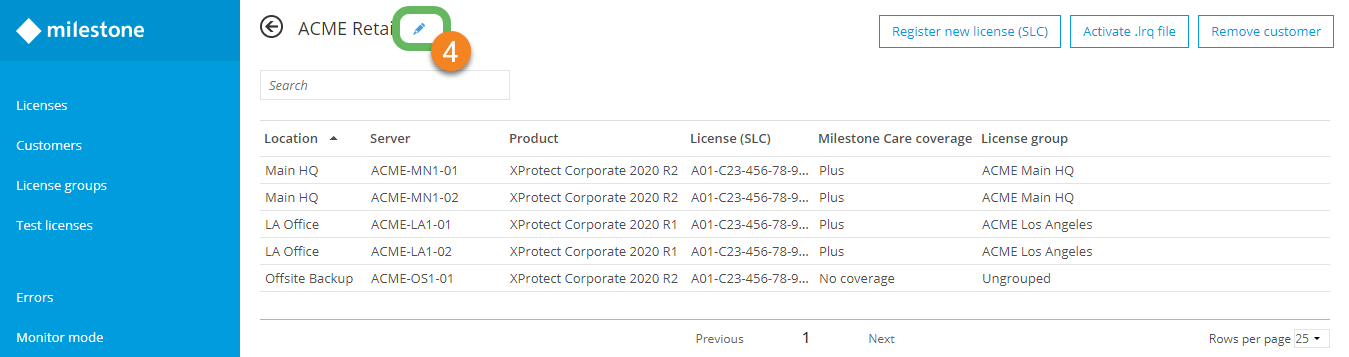
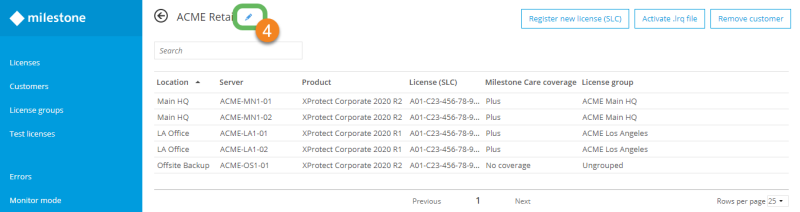
Select the pencil icon
 to the right of the customer name
  .
.
-
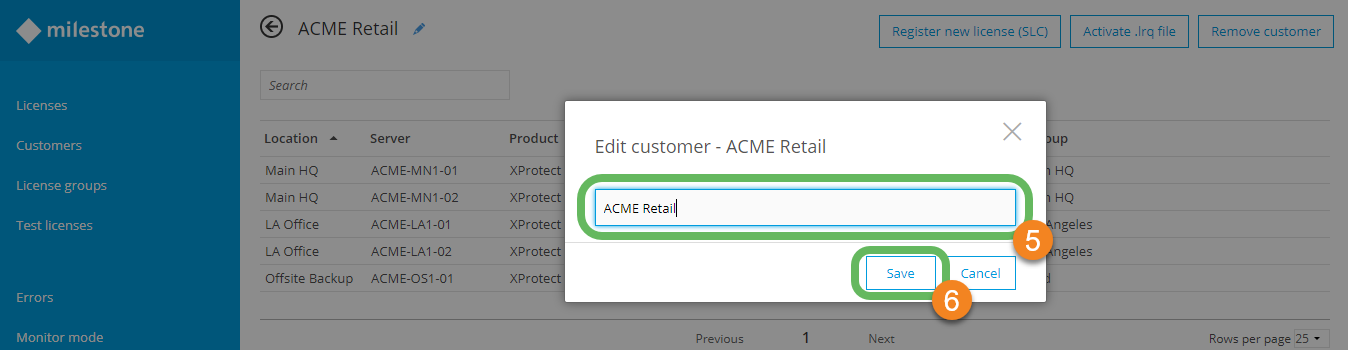
Enter in a new customer name in the Edit customer field
 of the dialog box.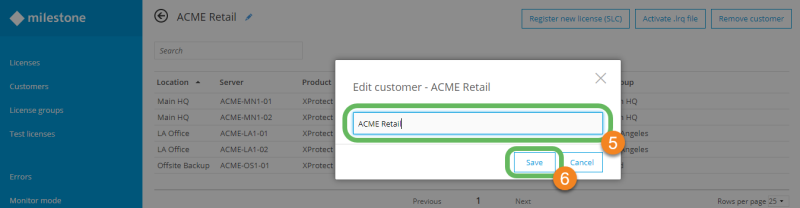
- Select Save
 to apply the new customer name.