Use push-to-talk in live video from one camera
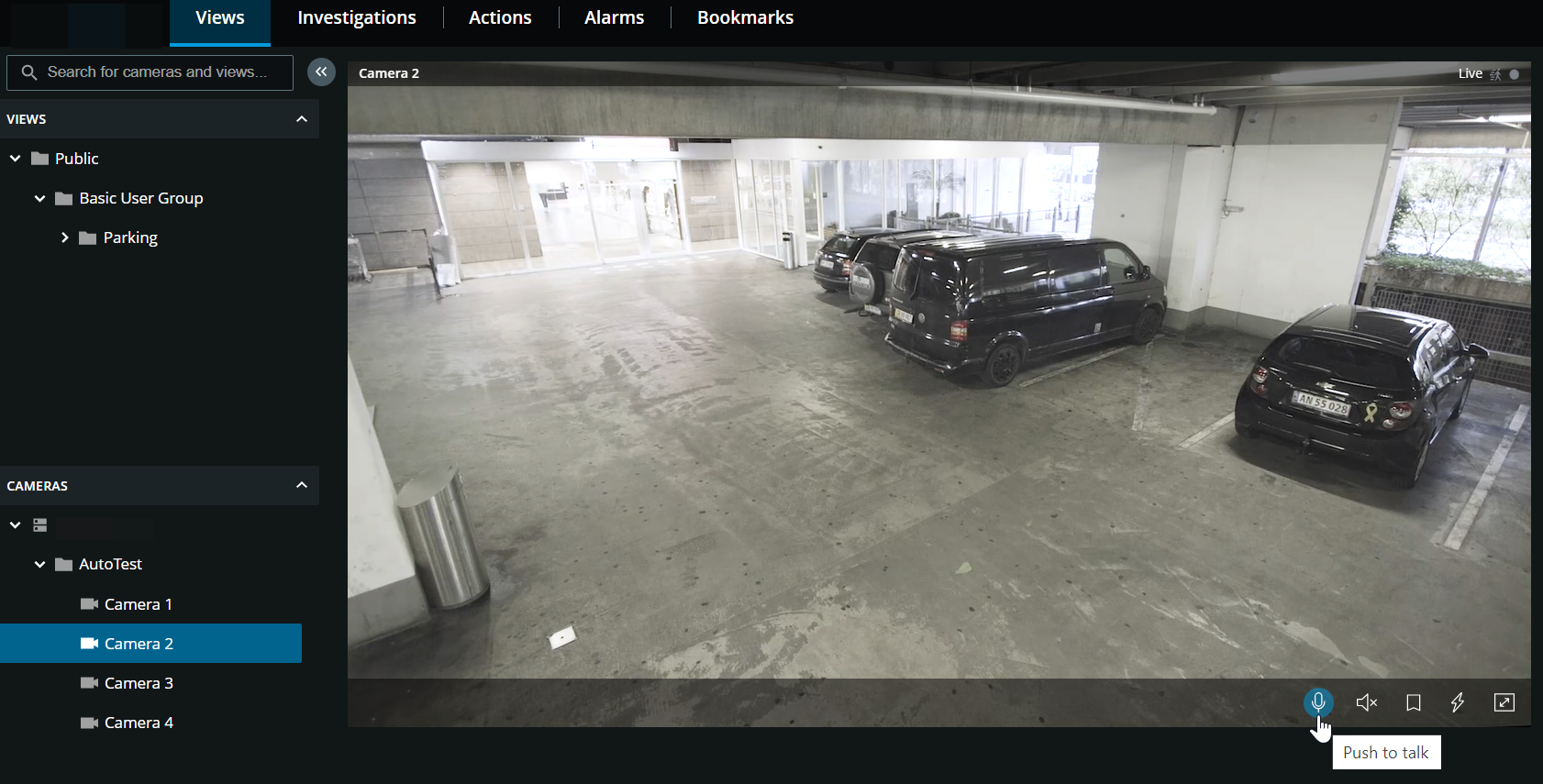
On the Views tab, select a view with cameras:
Find and click a camera that has a speaker attached.
On the camera toolbar, click and hold
 to start using push-to-talk.
Release
 when you want to end transmitting audio.