Playing back audio in video recordings
In XProtect Web Client, you can:
Play back audio from camera recordings in playback mode.
Play back audio from camera recordings in investigations.
On the camera toolbar:
To listen to the recorded incoming audio, click
 to start playing the audio while playing back the video recording.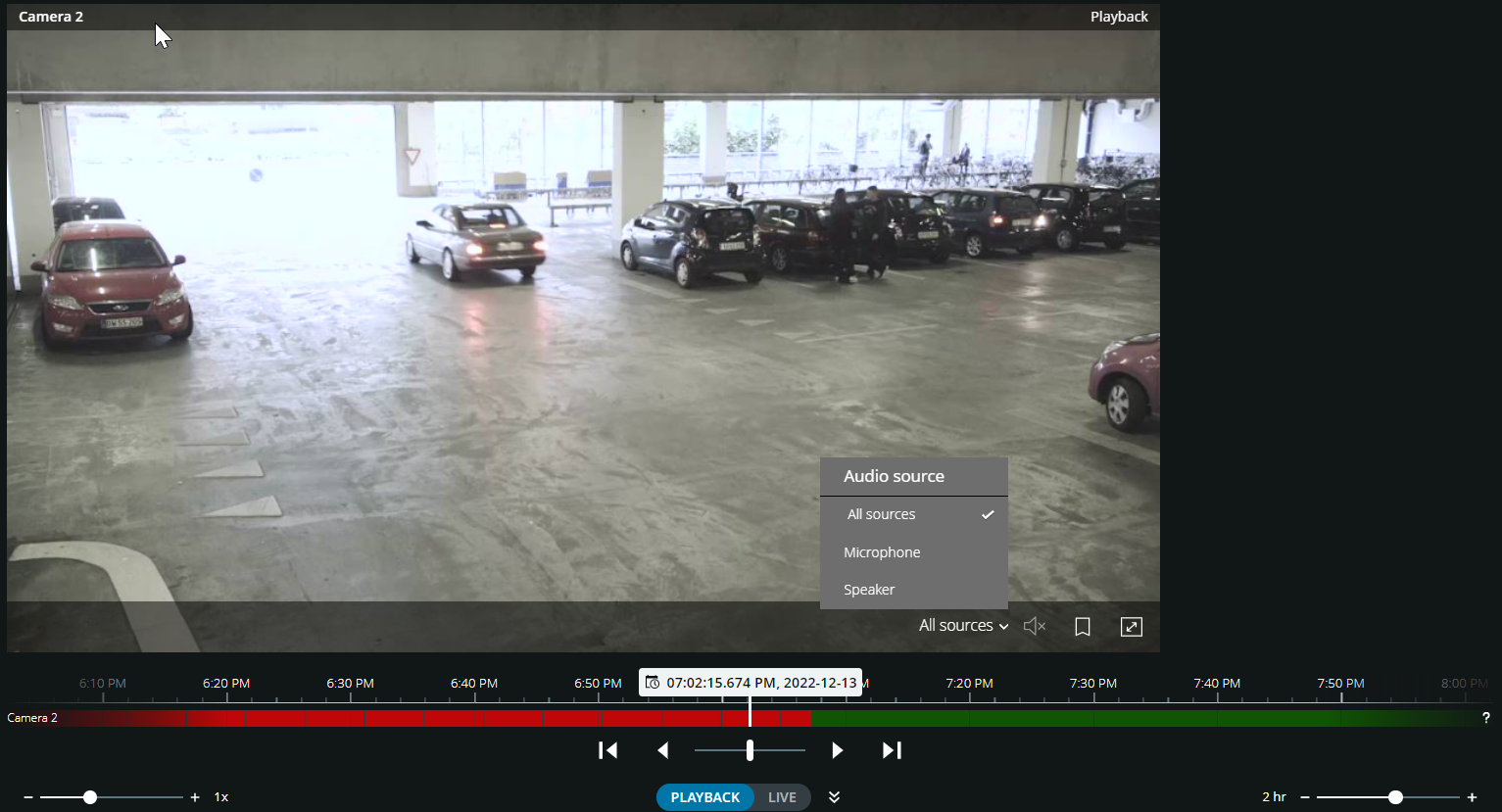
To listen to the recorded incoming audio and outgoing audio, click
to start playing the audio. From the Audio source list, select the audio device that you want to listen to while playing back the video recording. The options are:All sources (default) - listen to both the recorded incoming and the outgoing audio
Microphone - listen to the incoming audio only
Speaker - listen to the outgoing audio only
Note
You can play back audio only when there is a video recording and you play the recording forward at normal speed.