Use digital zoom
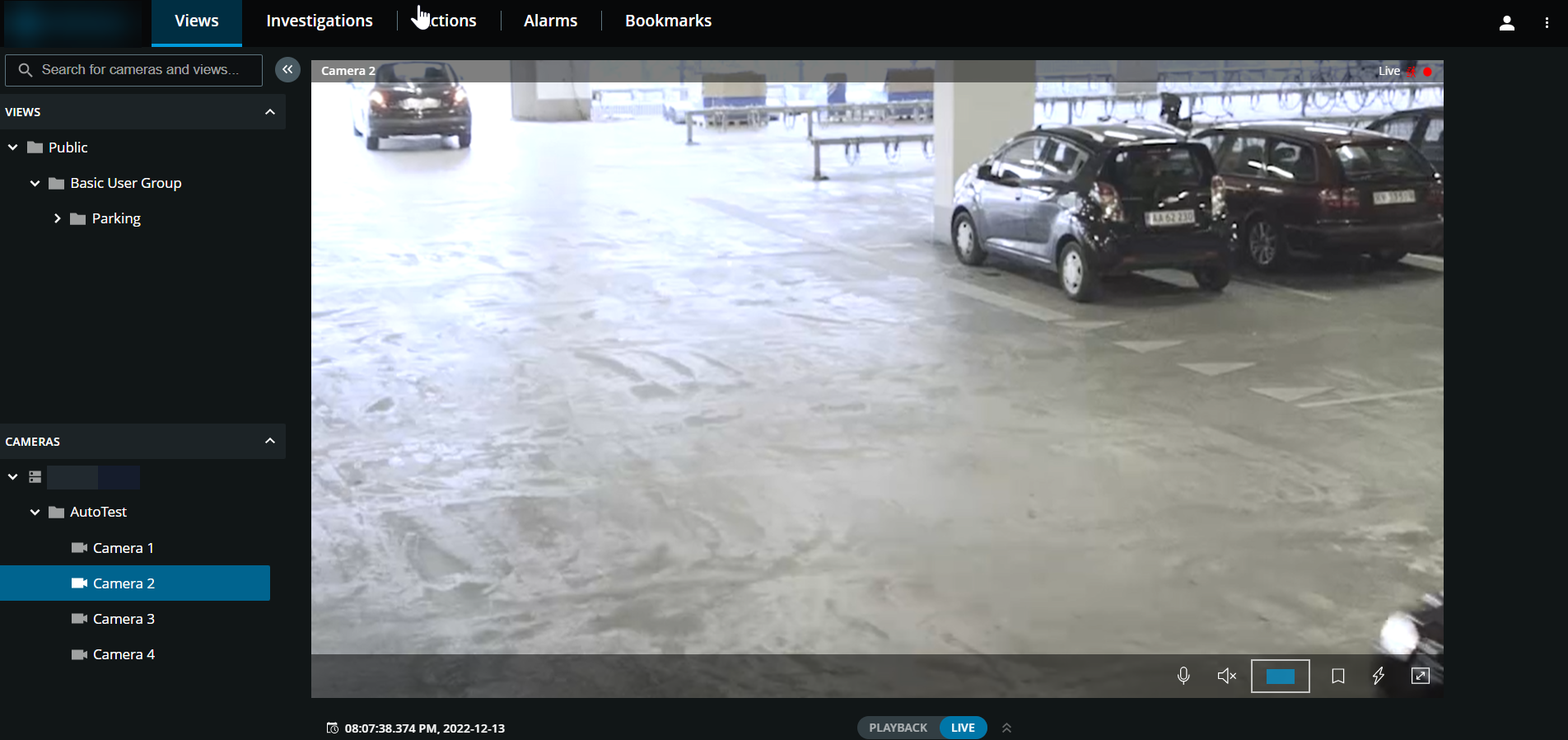
On the Views tab, find and click a camera.
Place your cursor over the video.
Double-click and scroll with your mouse to zoom in or out.
When zoomed in, click and drag your
 cursor to your area of interest. The zoom area indicator helps you navigate directions.