Listen to incoming audio in live video
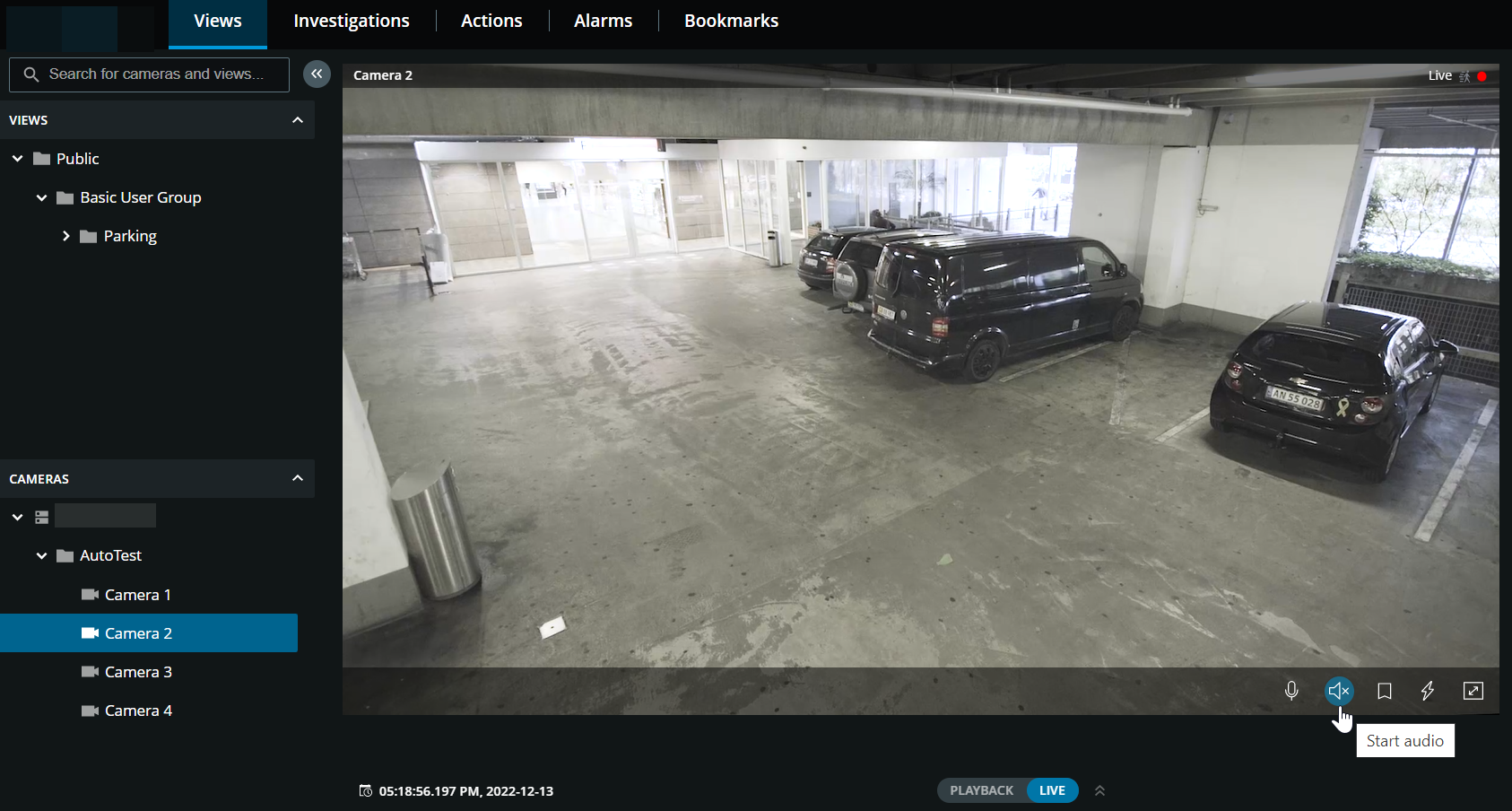
On the Views tab, select a view with cameras:
Find and click a camera that has a microphone attached.
On the camera toolbar, click
 to start playing audio. By default, the audio is muted.
Note
You can play the incoming live audio from microphones attached to cameras even when there is no live video streaming from these cameras.