User permissions for Smart Wall
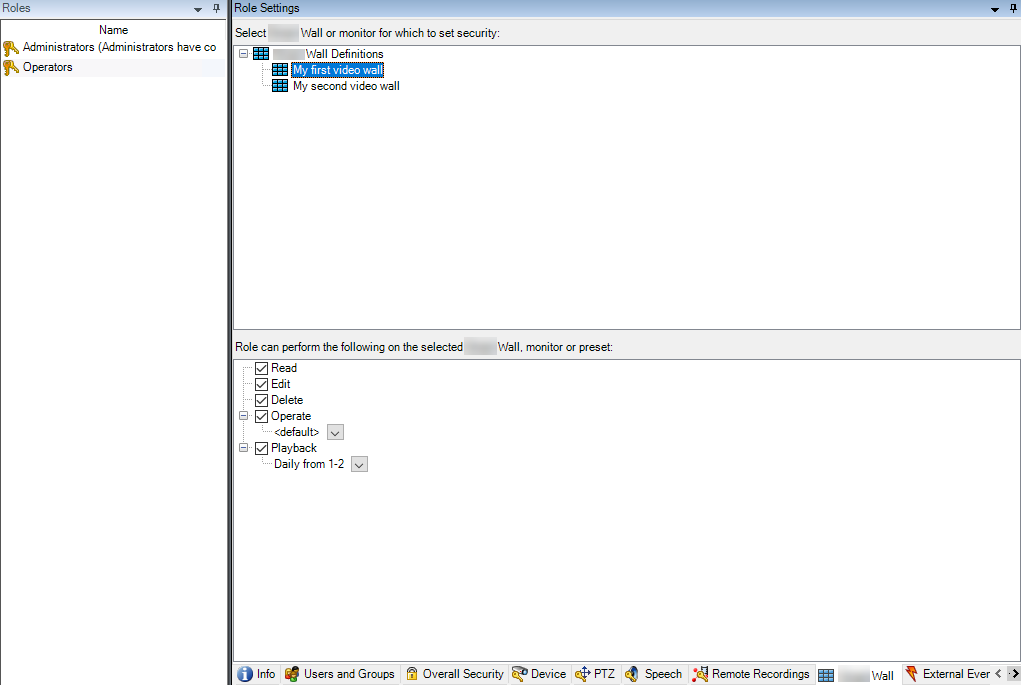
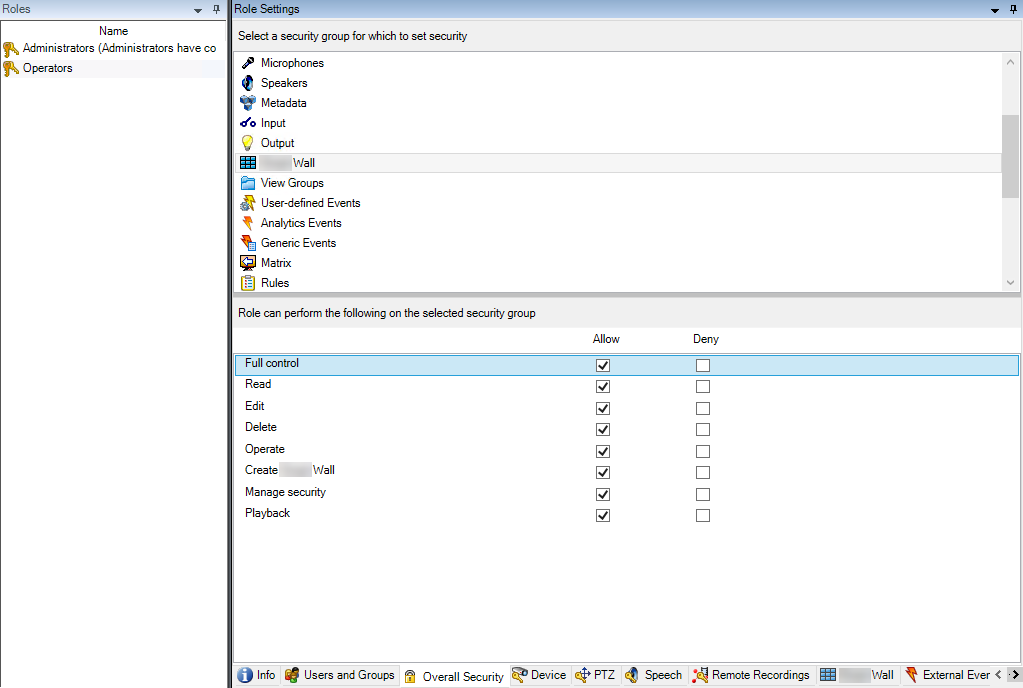
The settings described in this topic pertain to Roles in XProtect Management Client. To set the user permissions for all Smart Wall definitions, go to the Overall Security tab. To set the user permissions for specific Smart Wall definitions, go to the Smart Wall tab.
User permissions that apply to all Smart Wall definitions
Roles > Overall Security tab > Smart Wall
User permissions that apply to specific Smart Wall definitions
Roles > Smart Wall tab