Specify user permissions for XProtect Smart Wall
Specify the user permissions for XProtect Smart Wall to control the video wall-related tasks that users are allowed to perform in XProtect Smart Client or XProtect Management Client.
Steps:
In the Site Navigation pane, expand Security and select Roles.
In the Roles pane, select an existing role, or create a new role by right-clicking and selecting Add Role.
To set user permissions for all Smart Wall definitions, click the Overall Security tab.
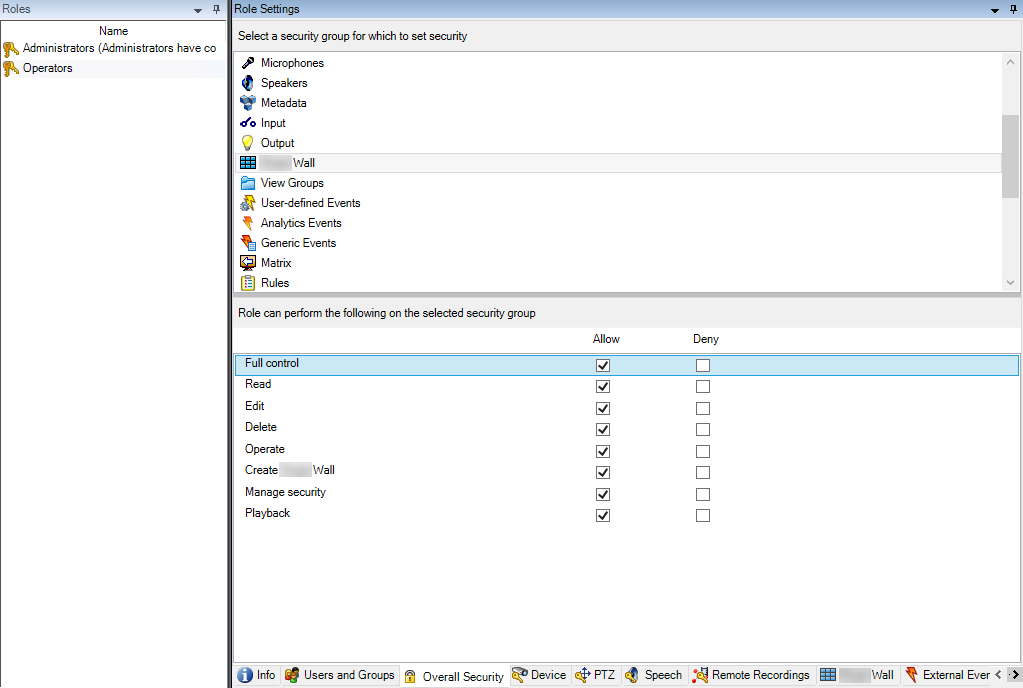
To set user permissions for specific Smart Wall definitions, click the Smart Wall tab.
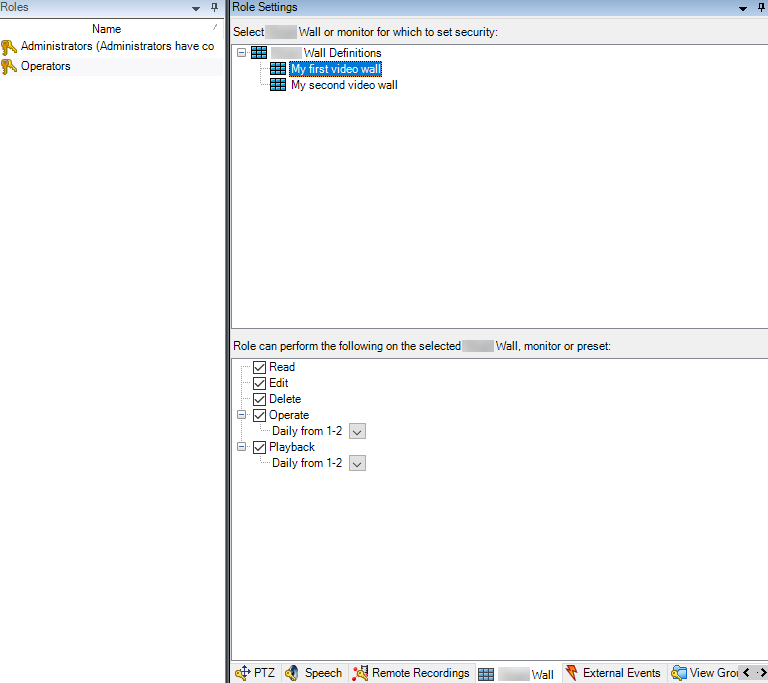
Select the user permissions that are relevant for the selected role.
(optional) To grant users Operate or Playback permissions for a specific period of time, select the required check box, and then select a time profile.