The Settings window
The Settings window lets you control which features and elements, for example, language selection, joystick setup and keyboard shortcut setup, you want to use on each of the tabs.
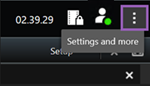
On the global toolbar, select Settings and more
 and then Settings
  .
.